Note: You can change the Breez Image to Default anytime by selecting "Default Image".
Step 9b: How to change display picture on Cielo Breez (for iOS
Users)
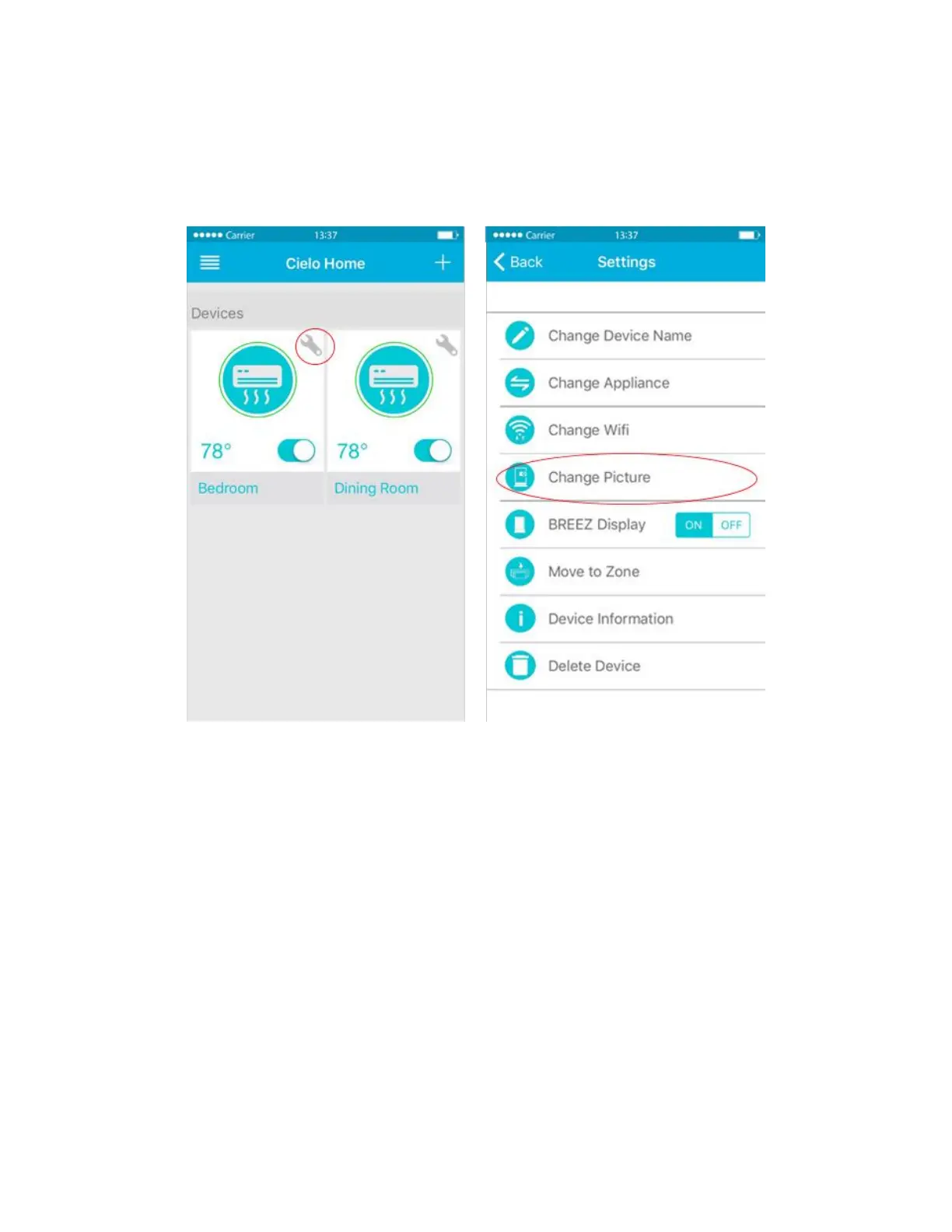
Tap on the "Wrench Icon" of your Device icon. Tap on ‘Change display image’
Tap on "Custom" in the next screen. You may be asked for permission to access your phone’s photos &
camera. You can add a photo by taking a new picture or uploading an existing picture from your phone’s
gallery.



 To Next Page