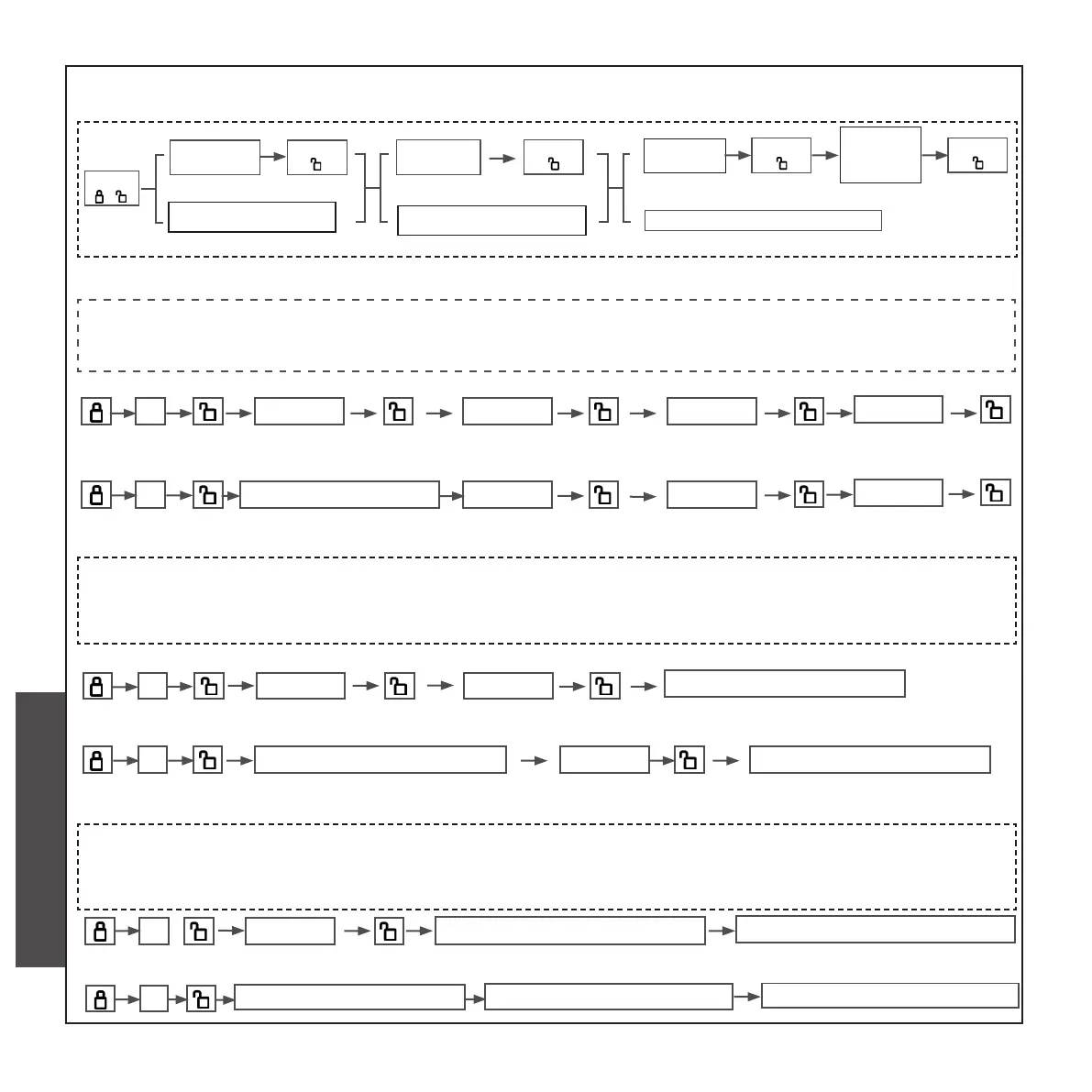
D. CHANGE GENERAL USER’S CODE
Press
” 2 “
Enter
admin code
Press
“ ”
Enter old
user code
Enter new
user code
Press
“ ”
Press
“ ”
Enter new
user code
aga in
Press
“ ”
(6-12bit)
eg, if your admin code is “555555” or ngerprint and you want to change the old user
code”333333 ”which ID is 002 into the new one“111111”.After the change,the ID of the new
user’s code“111111” still is 002 ,the enter steps are as follows:
2 555555 333333 111111
111111
eg, if your admin code is “555555“ or ngerprint and you want to change the old user
code”333333 ”which ID is 002 into a new ngerprint.After the change,the ID of the new n-
gerprint still is 002 ,the enter steps are as follows:
2
333333
(old user code)
Enter admin ngerprint
press nger four times
press user nger four times
Enter admin ngerprint
Enter old user ngerprint
2 333333 111111
111111
Enter admin ngerprint
2 555555 333333
(admin code)
(old user code)
press nger four times
eg, if your admin code is “555555“ or ngerprint and you want to change the old user nger-
print which ID is 002 into a new ngerprint.After the change,the ID of the new ngerprint still
is 002 ,the enter steps are as follows:
2
Enter admin ngerprint
2 555555
press old user ngerprint
press new nger four times
press old user ngerprint
press new nger four times
CHECK AND PREPARATION
INSTALLTION STEPS
INSTRUCTION OPERATION


 To Next Page
 Loading...