Basic Settings
8
WARNING
•
•
1.
For newly installed STB, check that all the cables are connected to the STB and
perform the setup procedure.
When using the STB for the first time, ensure that all cables are connected, as
per the instructions on page 7, and perform the following setup procedure.
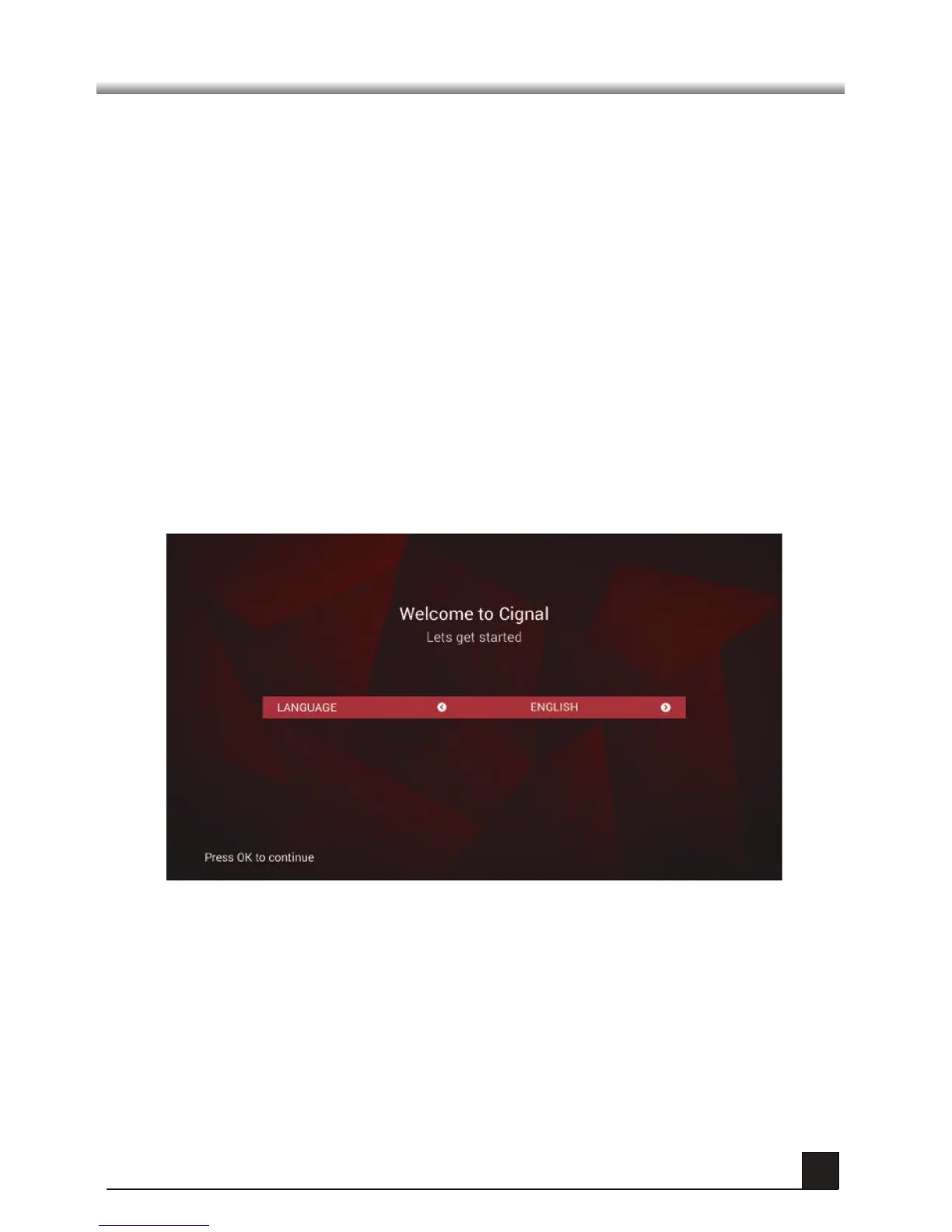
After turning on your TV and STB, follow the instructions on the screen. Press
OK button to start the basic setting.
Press MENU button to save previously input data and exit the basic settings.
If you are exiting the setup without first successfully completing the set-up
procedure, no TV and radio channels will be available.
Make sure that video display setting matches the TV type or else no video will
be seen.
To change the video format, go to SETTINGS > USER >VIDEO OUTPUT.


 To Next Page