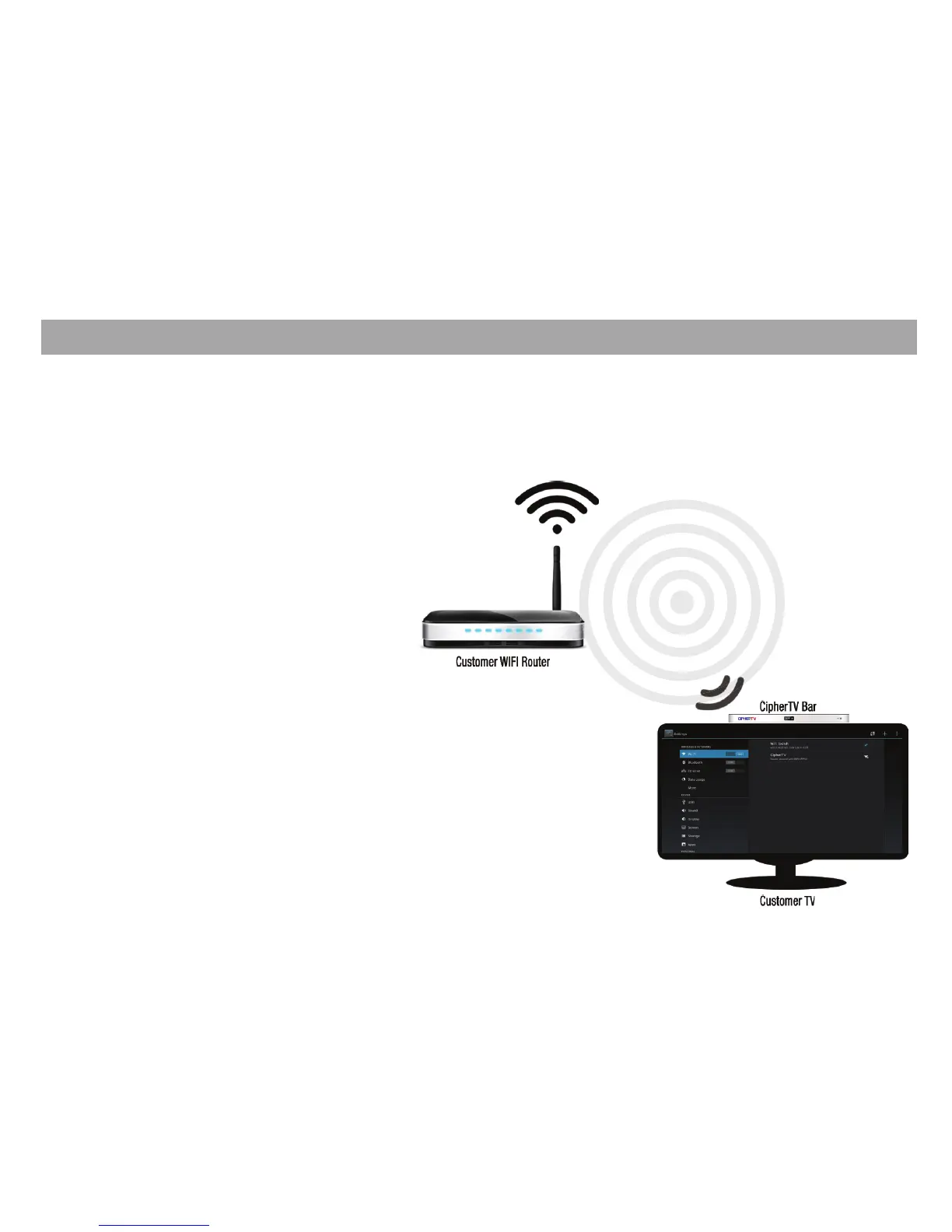
Wi-Fi Connection Setup Guide
1. Turn on your TV and power up CipherTV Bar.
2. Make sure your wireless router is on.
3. Click on the Settings and turn on the Wi-Fi.
4. Select Wi-Fi connection name on the right side
menu.
5. Enter your Password if needed then select
connect.
6. Close Settings menu and enjoy your Wi-Fi
Connection.
Wi-Fi Connection
11



 To Next Page