80
OCPP 1.5
Before starting
B
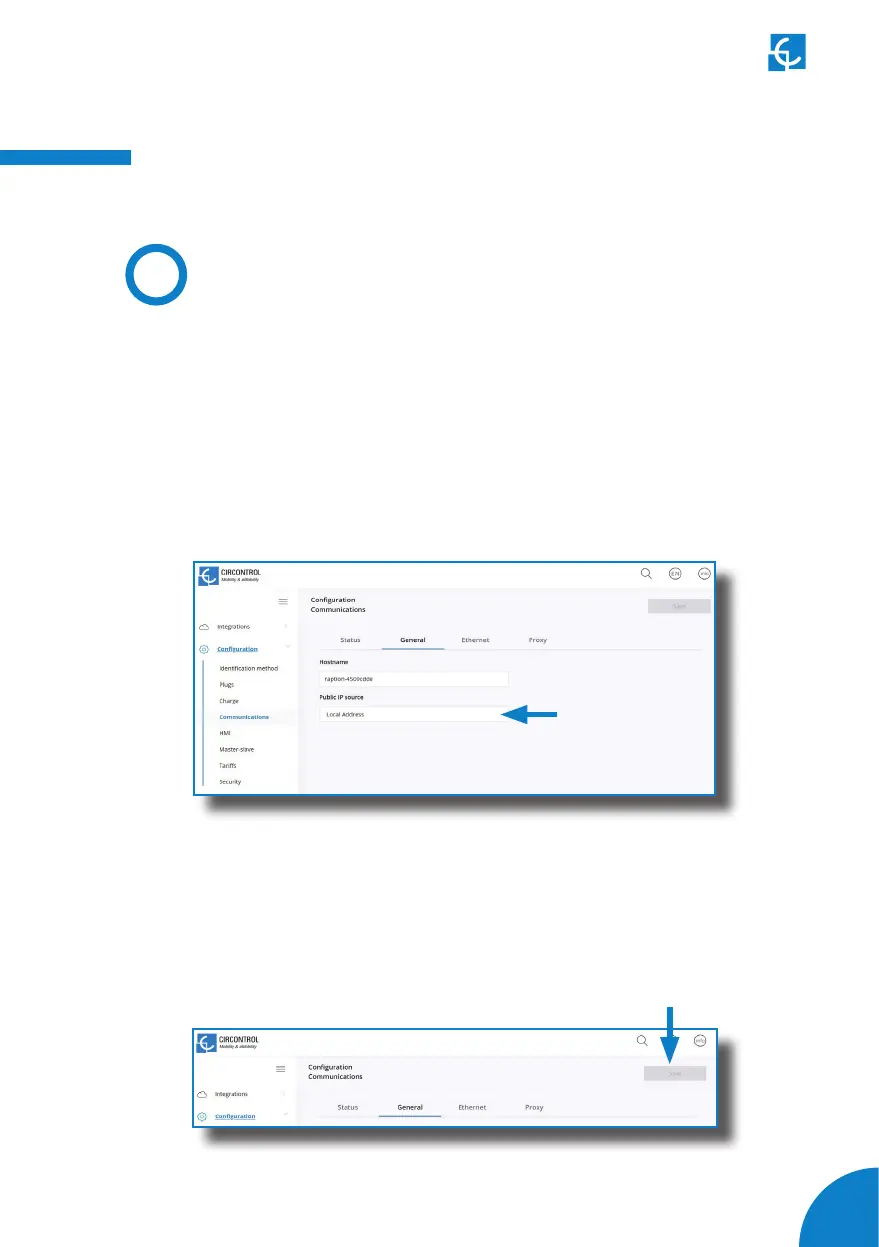
Go to the Setup Webpage > ‘Conguration’ tab > ‘Communications’ tab
Once in ‘General’ section, ‘Public IP source’ establishes where the Charge Point
must obtain the public IP address in order to send it later to the backend. Different
values can be selected:
Choose the option selected under ‘Public IP source’ according to your network
topology.
Check following steps in order to ensure the correct function of OCPP 1.5:
When done, please do not forget to save changes using ‘Save’ button in the screen
upper right part.



 To Next Page