38
turn on the ATU
first of all you have to set your type
press the – key for 3 seconds
the display will show SET FULL AUTO?
press the + key once. The display will show SET ANT. TYPE
press ENTER
scroll through the options using the button +
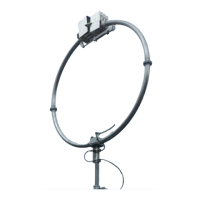
select BABY/STEALTH?
press ENTER to confirm
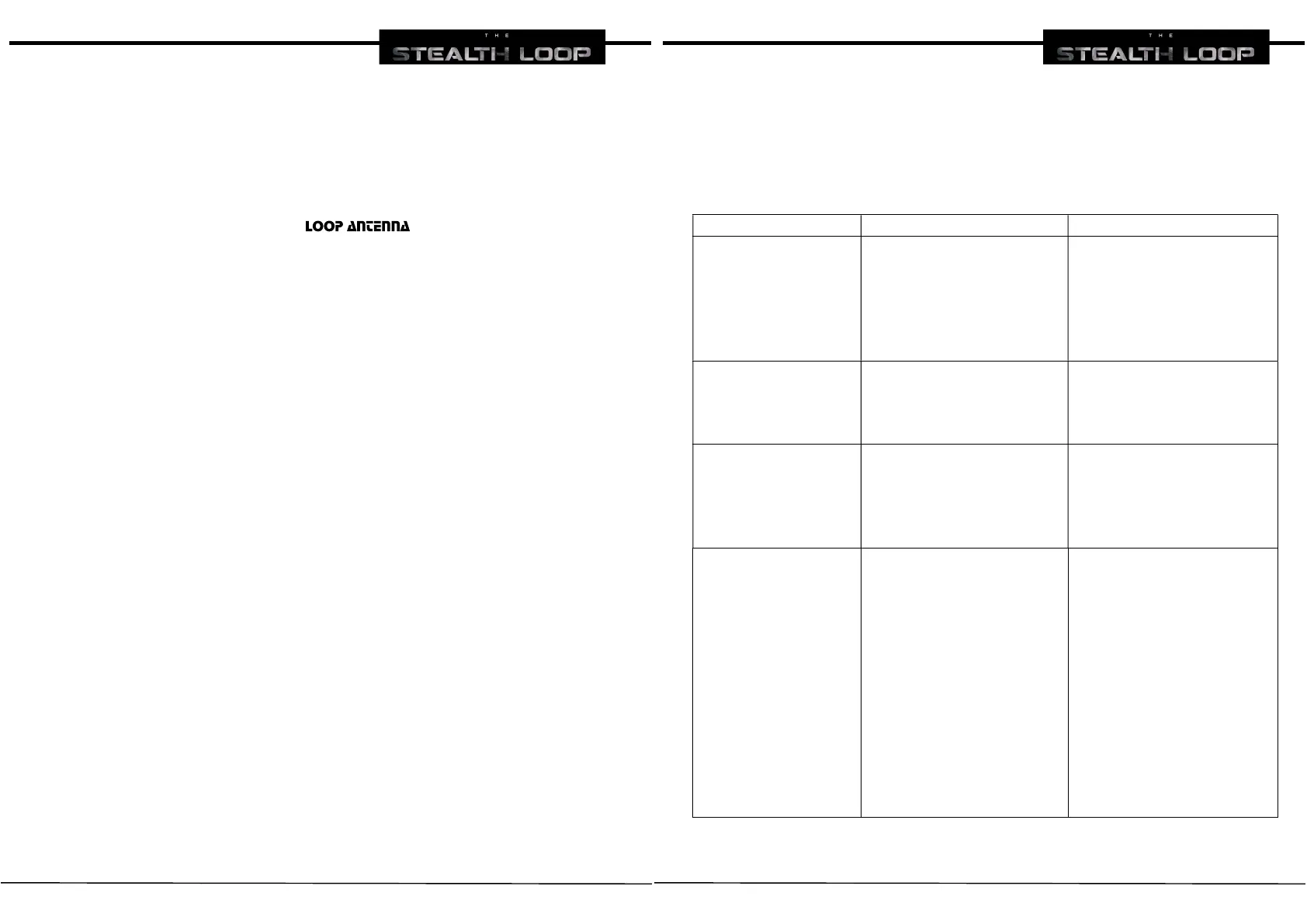
Now we are ready to operate with THE STEALTH LOOP
press * and the display shows: Set Frequency
digit on the keyboard 7050 and press ENTER
the ATU turns on the RED L.E.D. and after turns on the BLUE L.E.D. when
the motor starts moving
after 5 seconds the motor stops and the ATU display shows the S.W.R.
value
39
TROUBLESHOOTING
PROBLEM CAUSE SOLUTION
Motor doesn’t work
1. the cable from
antenna to ATU is
damaged or not
connected
2. the motor cable is
inverted
1. check or replace
the cable
2. reverse the motor
cable on the rear of
the ATU
ATU doesn’t turn on
1. power supply is
faulty
2. problem with the
220V AC socket
1. replace power
supply
2. use another socket
Keyboard doesn’t
type any key
1. keyboard is
damaged
2. the keyboard may
not be connected
to the ATU
1. replace the
keyboard
2. connect the
keyboard to the
ATU
ATU doesn’t find
antenna type in
AUTO DETECT mode
1. the coaxial cable is
short-circuited
2. the coaxial
connectors aren’t
grounded
3. there are some
metallic structures
too close to the
antenna
4. the antenna is too
low or too high
5. the motor cable
doesn’t work
1. check the cable
2. check the
connector on the
cable
3. reposition the
antenna
4. check the distance
from the reflective
surface
5. check or replace
the cable


 To Next Page