Alternate Between Active Bluetooth Sources
You can connect up to two Bluetooth devices to your headset at one time. Active calls are automatically placed
on hold when you answer a call on a different source.
Procedure
To change your Bluetooth source, play music or answer a call on a different connected source.
Pause music playback before you switch to a different music source.
Note
Delete Paired Devices
You can erase all paired Bluetooth devices from your headset.
This will also erase the USB Adapter from your headset's memory. See Pair the USB Adapter to Your Headset,
on page 7 to re-pair the adapter to your headset.
Note
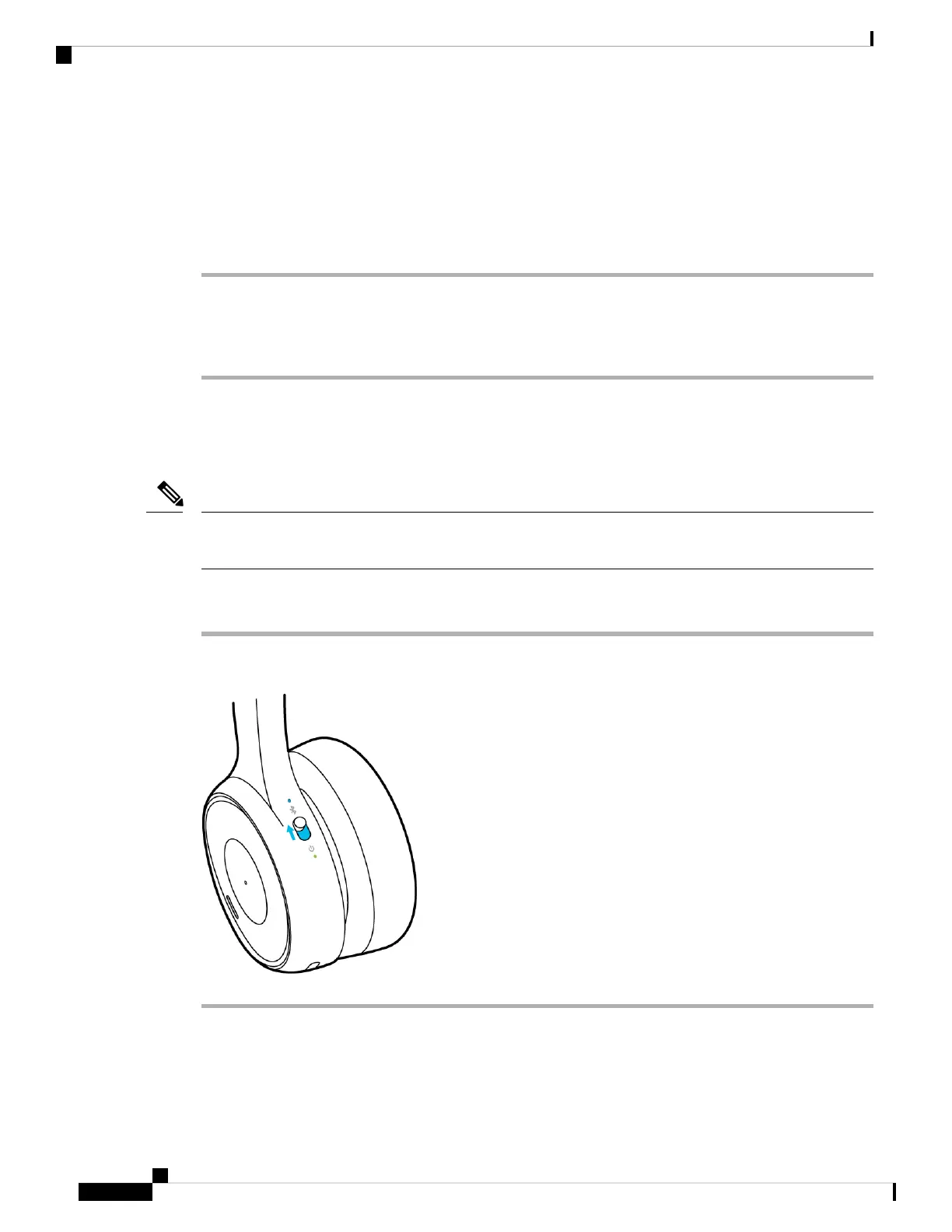
Procedure
Slide and hold the Power/Bluetooth switch for nine seconds. If audible notifications are enabled, your headset
plays an audio prompt when it erases all Bluetooth devices.
Your Headset
8
Your Headset
Alternate Between Active Bluetooth Sources



 To Next Page