Step 1 Position the phone so that the front of the phone is facing up.
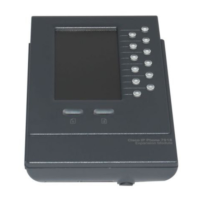
Step 2 Line up the two open slots on the bottom of the Cisco 7916 expansion module with the two
hooks on the support bar.
Step 3 Insert the hooks into the slots and then rotate the top of the Cisco 7916 expansion module into
the support bar so that it rests flush with the bar.
Step 4 Tighten the thumbscrew on the back of the expansion module.
Note If you are connecting two expansion modules, repeat steps 2, 3, and 4 for the second expansion
module.


 To Next Page