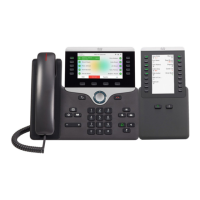
Refer to the following table, which depicts the “in” and “out” icons on the AUX jacks.
Step 1 Plug one end of the interface cable into the jack labeled AUX on the Cisco 7975 IP Phone.
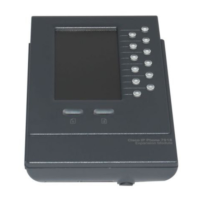
Step 2 Plug the other end of the interface cable into the AUX jack with the “in” icon underneath it on
the 7916 expansion module.
Note If you are installing a second expansion module 7916, continue with steps 3 and 4. Otherwise
go to the “Connect the Power Supply Unit” section of this guide.
Step 3 Plug one end of the second interface cable into the AUX jack with the “out” icon underneath it
on the first expansion module (the one closest to the phone).
Step 4 Plug the other end of the second interface cable into the AUX jack with the “in” icon
underneath it on the second expansion module.


 To Next Page