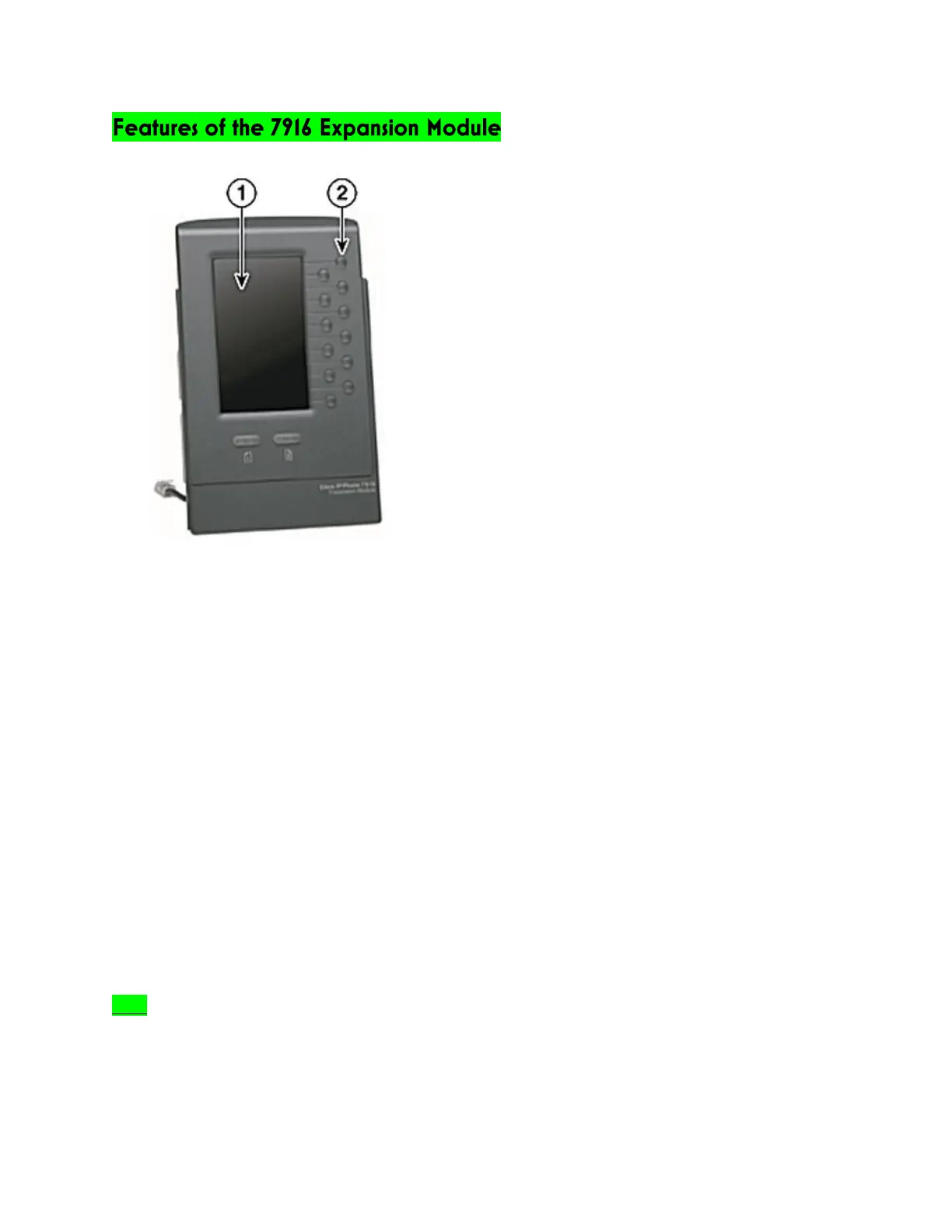
1) Phone screen – Displays the phone number, speed dial number (or name/other text label),
phone service, phone feature or Privacy assigned to each button. Icons indicating line status
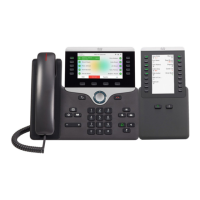
appear similar to and function the same as those on your 7975 phone that it is attached to.
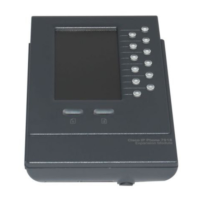
2) Lighted Buttons – 12 buttons. Each corresponds to one line (just like the 7975 phone). The lights
beneath each button indicate the state of the corresponding line as follows:
• Light Off: Line available
• Steady Green Light: Line in use by you
• Steady Red Light: Line in use by someone else
• Flashing Amber Light: Line ringing
• Flashing Green Light: You have a call on hold
• Flashing Green Light: Someone else has a call on hold
• Steady Green Light: Call transfer
3) Shift Buttons – 2 buttons. Each button corresponds to one page of the 12 Line keys. Page one is
labeled with the number 1 and page two is labeled with the page number 2. The lights beneath
each button indicate the state of the page as follows:
• Steady Green Light: Page is active
• Light Off: Page is inactive
• Flashing Amber Light: A call is ringing on an inactive page
Note If Privacy is programmed for one of your buttons, you can keep your call information private from
users who share your lines. Simply press the Privacy button when receiving an incoming call. With
Privacy enabled, other shared lines are blocked from joining your calls.


 To Next Page