Need help?
Do you have a question about the Cisco 891 and is the answer not in the manual?
Connect power cable and ensure the router power switch is on.
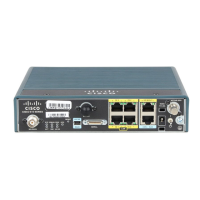
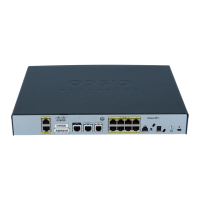
Connect WAN port to provider NTE and LAN ports to customer switch or devices.
Contact the GCI Provisioning Team for successful circuit and router turn-up and testing.
Connect power cable and ensure the router power switch is on.
Connect WAN port to provider NTE and LAN ports to customer switch or devices.
Contact the GCI Provisioning Team for successful circuit and router turn-up and testing.
 General
| Brand | Cisco |
|---|---|
| Model | 891 |
| Category | Network Router |
| Language | English |

 To Next Page