3
Connection Instructions:
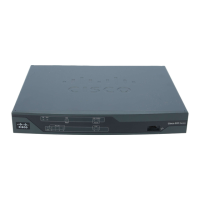
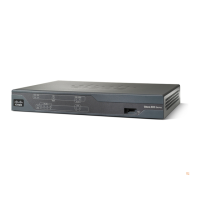
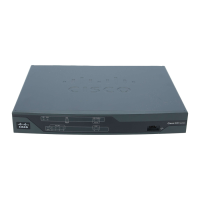
1. Connect the power cable (known as the kettle lead) to the power-pack/transformer, and then connect this to the
router.
2. Should the router have a power switch, ensure it is turned on (the I is pressed down)
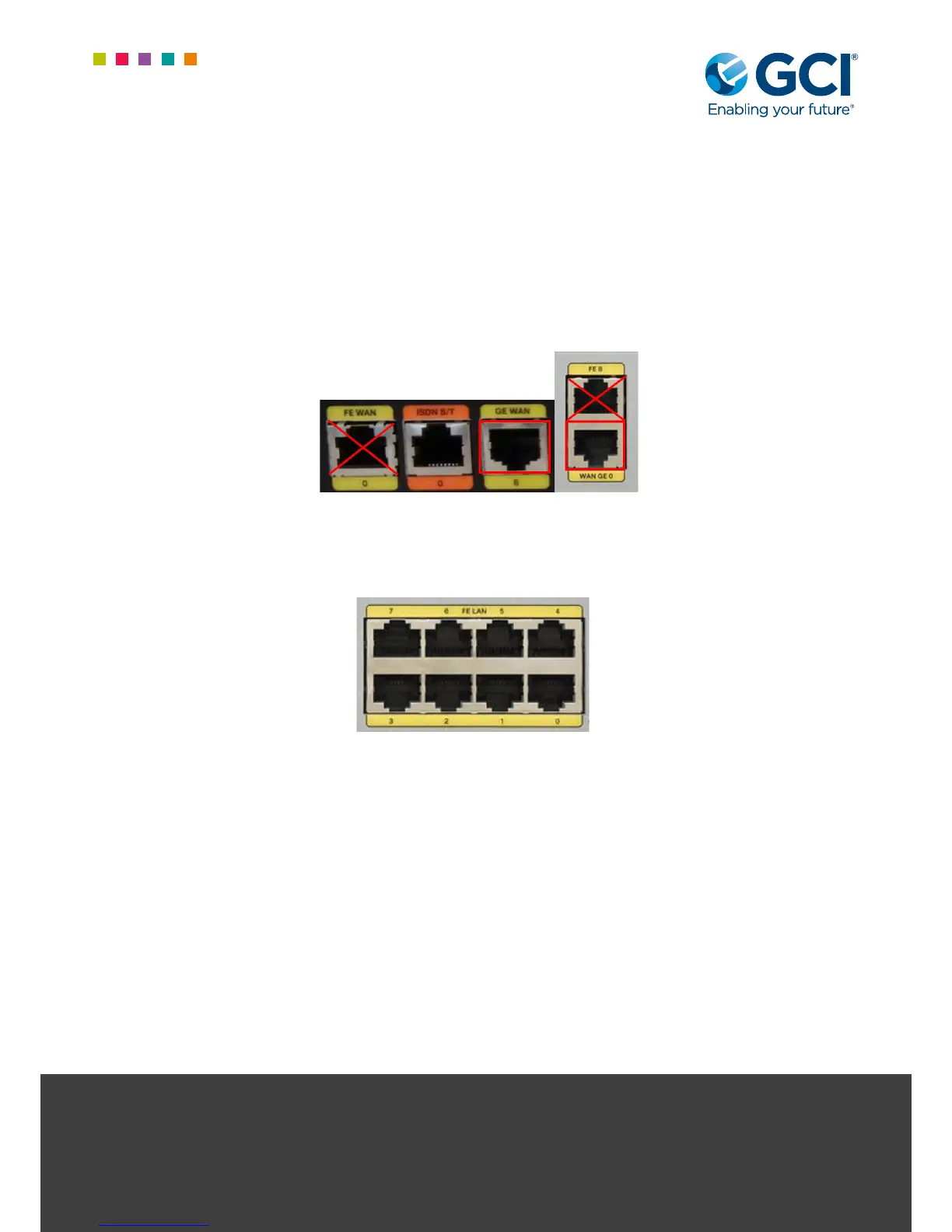
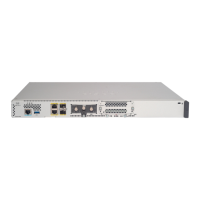
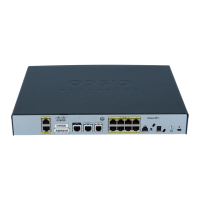
3. Connect a patch cable between the port marked GE WAN on the Cisco router and the provider/carrier NTE. The
actual NTE will vary between carriers and circuit types, however there should typically be a port/section called
“internal” or “local”, often with several ports bunched together. Do not connect to the port labelled FE or FE WAN
4. Connect a separate patch cable between any of the 8-port bank (marked LAN) on the Cisco router and the
customer switch. Should a switch not be required/installed, multiple devices may be plugged directly in these
ports (can be done at a later date if a migration from existing services is required)
For further information please contact your account manager in the rst
instance or our helpdesk as below:
Email: service.desk@gcicom.net | Service desk direct dial: 0844 443 3538
Once connected, a call must be placed to the GCI Provisioning Team to ensure successful turn-up and test of the
circuit and router. Pleased ensure you have the description (including site name) from the white label axed to the
router to hand.
The provisioning team can be reached on 01924 641 296 or 0844 443 3537 option 3
Failure to call in to have the router commissioned remotely, even if customer testing on site is successful may impact
your levels of ongoing support at this site.


 To Previous Page