4038501 Rev C Operation 3-15
Setting Up Transponders, Continued
SMC Transponder
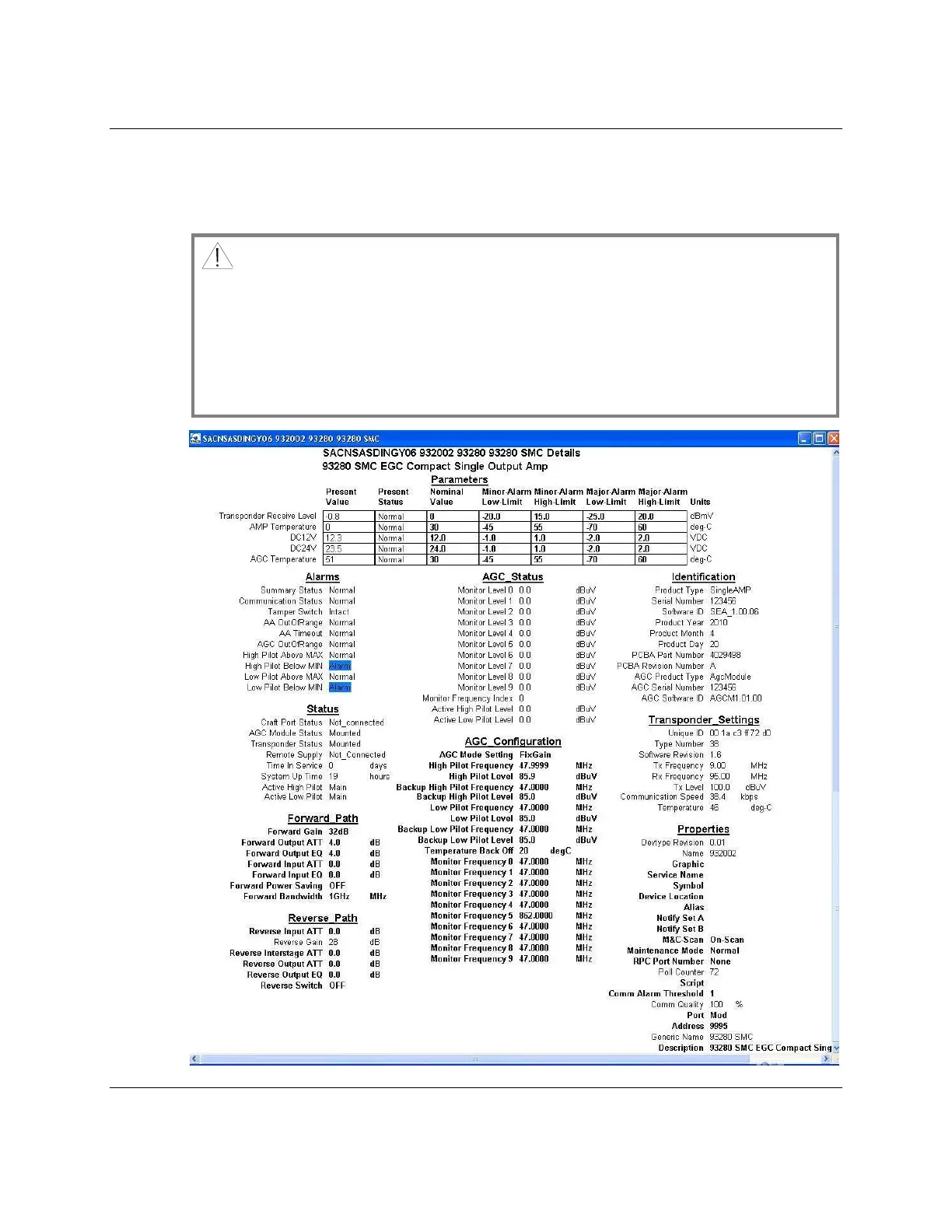
Use a SMC transponder to set up the parameters that are highlighted in the
following illustration.
CAUTION:
The SMC transponder can only be recognized by the amplifier when it is set to
IEP mode. To change the mode, connect a handheld, part number A91200.11 to
the LCI interface of the transponder. For detailed information, see Compact
Transponder 91051 Mounting Instructions, part number 744610. The USB – LCI
interface, part number A91220.10 can’t be used on the LCI port of the SMC
transponder.



 To Next Page