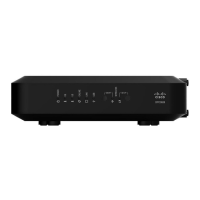
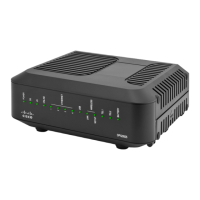
7 5G—ON, the wireless access point is operational. Blinking indicates that data is
being transferred over the wireless connection. OFF indicates that the wireless
access point is not enabled.
8 WPS—OFF (normal condition), indicates that the wireless setup is not active.
BLINKING indicates the user has activated wireless setup to add new Wireless
Protected Setup (WPS) clients on the wireless network.


 To Next Page