Special Conditions
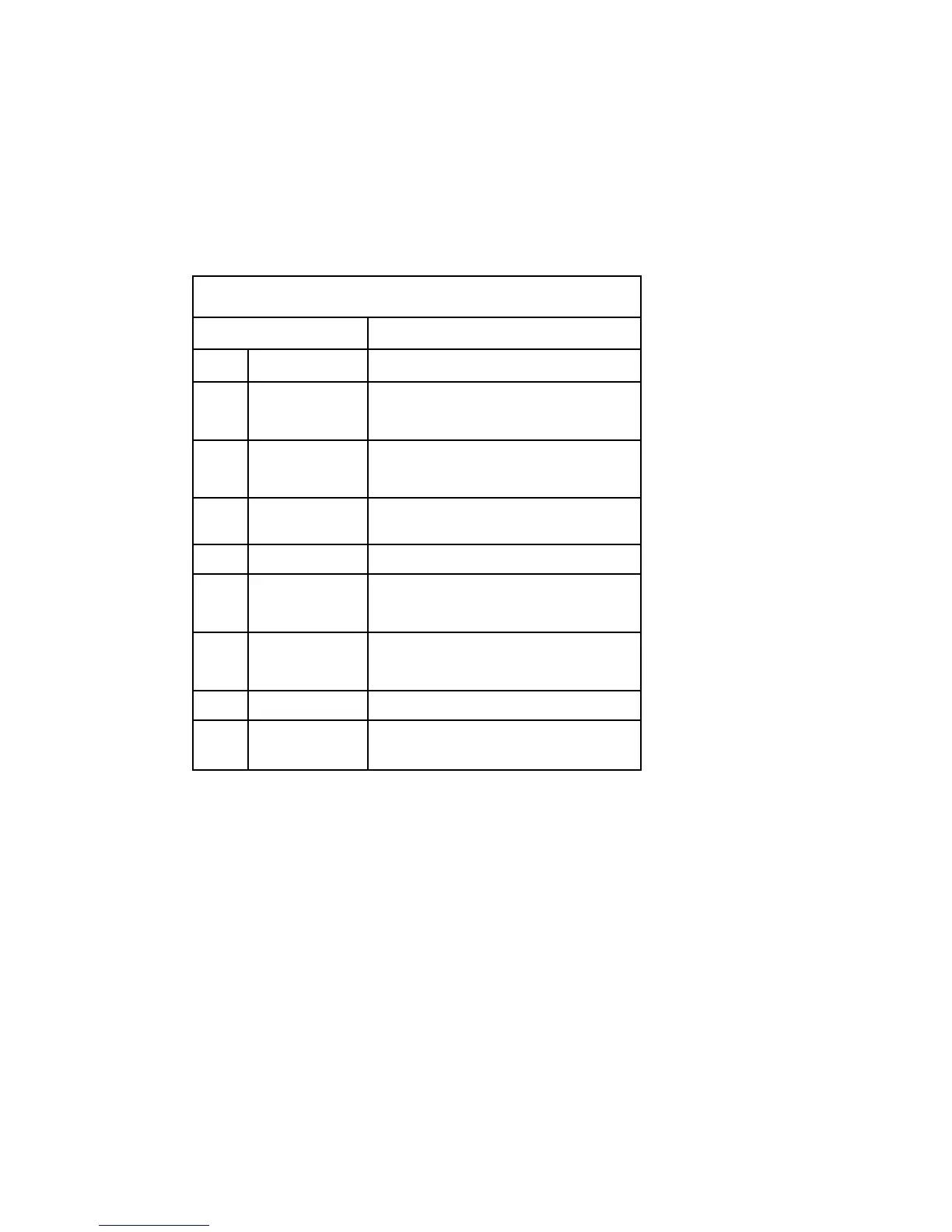
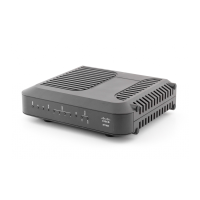
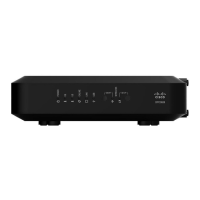
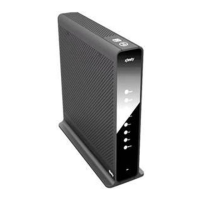
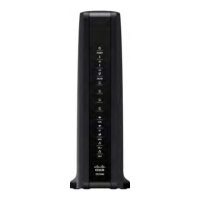
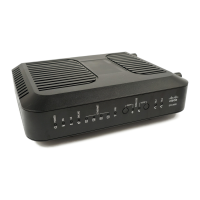
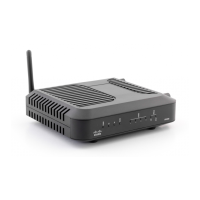
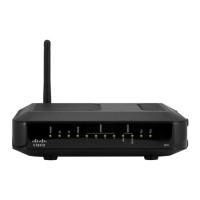
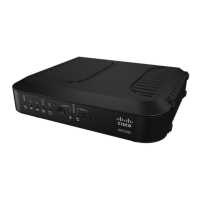
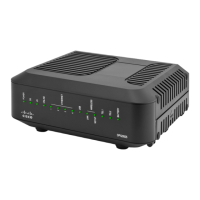
The following chart describes the appearance of the residential gateway front panel
LED status indicators during special conditions to show when you have been denied
network access.
Front Panel LED Status Indicators During Special Conditions
Fr ont Pa ne l I ndica tor Network Access Denied
1
POWER On
2
DS Slow Blinking
(twice per second)
3
US Slow Blinking
(twice per second)
4
ONLINE Off
5
ETHERNET 1-4 On, Off, or Flashing
6
2.4G Slow Blinking
(once per second)
7
5G Slow Blinking
(once per second)
8
WPS On, Off, or Blinking
9
MoCA
(Optional)
On, Off, or Blinking


 To Next Page