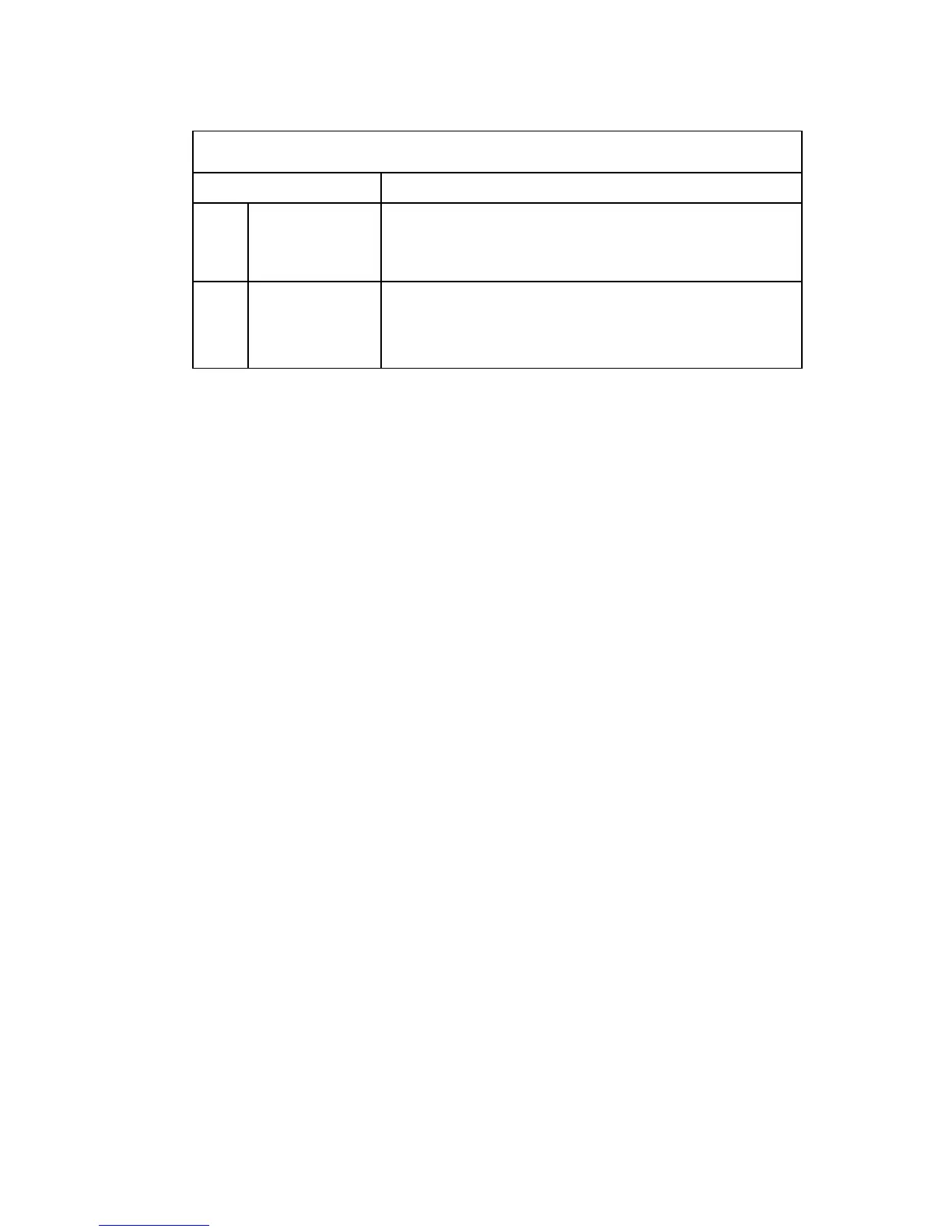
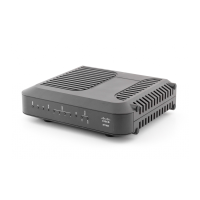
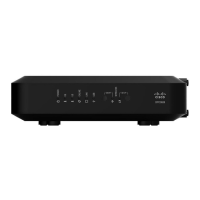
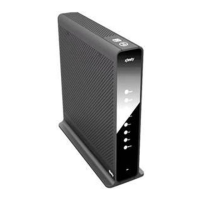
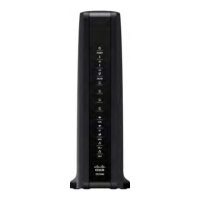
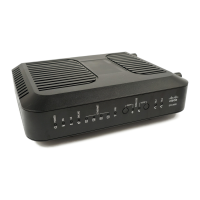
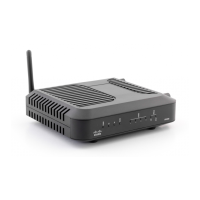
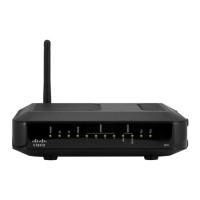
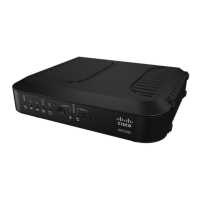
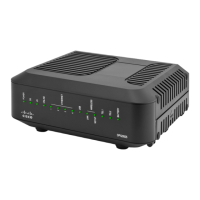
Front Panel LED Status Indicators During Normal Conditions
Fr ont Pa ne l I ndica tor Normal Operations
8
WPS
Off - When wireless setup is not active
Blinks - When wireless setup is active to add new
wireless clients on the wireless network
9
MoCA (Optional)
On - When MoCA devices are detected
Blinks - When MoCA data activity is present
Off - When no MoCA devices are detected
Note: In addition to the status shown in the previous table, some service providers
use color-coded LEDs to indicate detailed channel bonding and data link status. For
additional information about color-coded LEDs, check with your service provider.


 To Next Page