5-147
Cisco 6500/7600 Series Manager User Guide
Chapter 5 Physical Object Dialog Boxes
C6576M OSM POS Interface Dialog Box
• Level 1 Hello Interval—Length of time between hello packets generated on the interface for level 1
routing.
• Level 2 Hello Interval—Length of time between hello packets generated on the interface for level 2
routing.
• Level 1 Metric—Cost of the interface for IS-IS level 1 (intra-area) route calculation.
• Level 2 Metric—Cost of the interface for IS-IS level 2 (inter-area) route calculation.
• Level 1 Priority—Determines which router on a LAN will be the designated router or Designated
Intermediate System (DIS).
• Level 2 Priority—Determines which router on a LAN will be the designated router or Designated
Intermediate System (DIS).
• Enable button—Enables IS-IS routing on the interface.
Note To enable IS-IS on an interface, the user must specify an IS-IS routing process that is already
deployed on the device. If the process does not exist, the action will fail.
• Disable button—Disables IS-IS routing on the interface.
Note By default, all interfaces are configured as IS-IS Circuit-type Level 1-2.
Additional Notes Tab
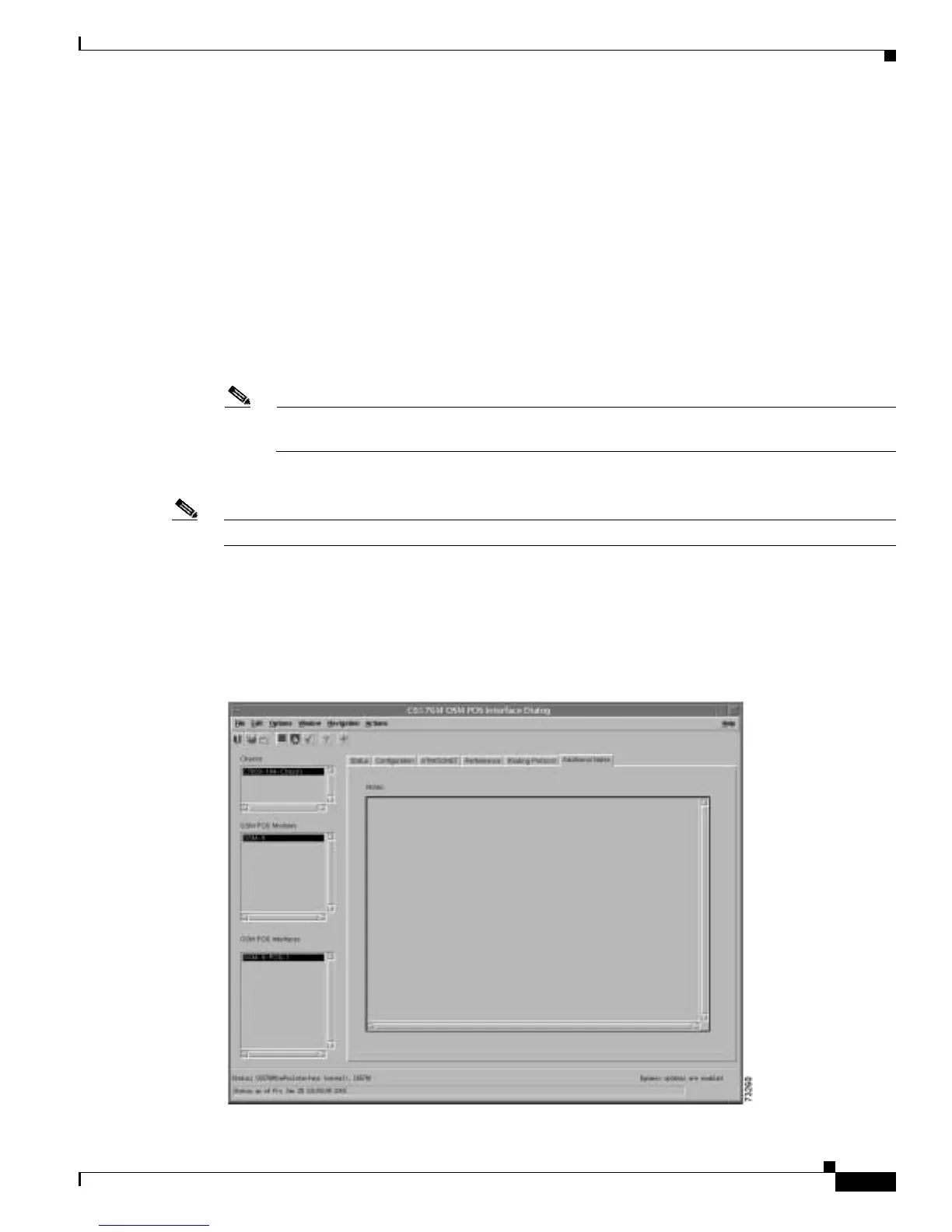
Figure 5-76 shows the Additional Notes tab of the C6576M OSM POS Interface dialog box.
Figure 5-76 Additional Notes Tab of the C6576M OSM POS Interface Dialog Box




 To Next Page