3130
11. Using the Destination Timer
The destination timer calculates and displays the amount of time remaining until
a destination is reached after setting the name of the destination city, time of
arrival and date of arrival.
When the remaining time reaches 0 seconds, a tone sounds indicating that the
time is up. After the time is up, the timer changes to a display of elapsed time.
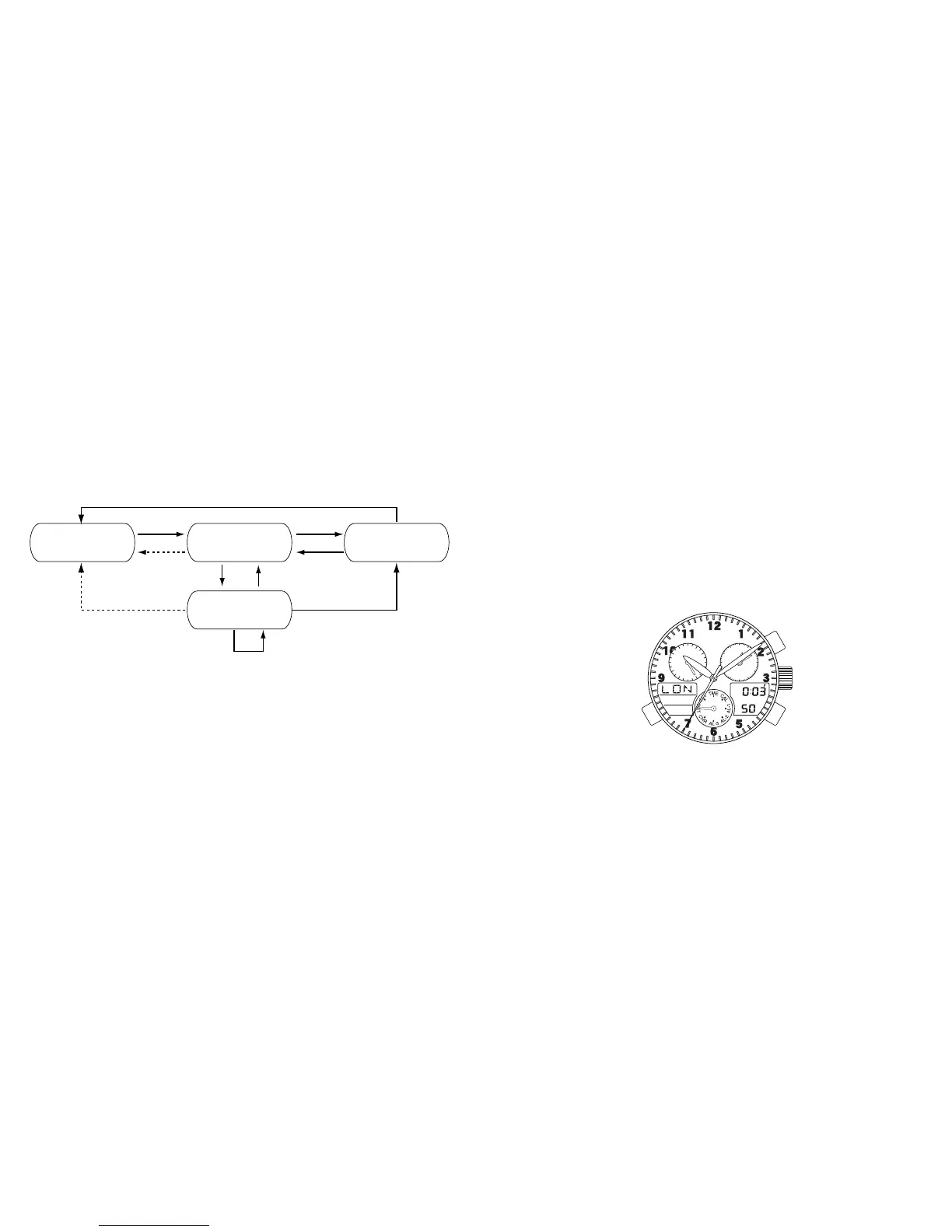
<Initial Setting State>
Chronograph reset Measurement
Split time
Stops
(A)
(A)
(A)*1
*1
(A)
*2
(B)
(B)
*1: Returns automatically after timing for 24 hours
*2: Returns automatically after 10 seconds
(B)



 To Next Page