3736
12. Using Zone Setting
The zone setting function enables only those cities for which "SET" has been
selected to be easily accessed (displayed) in each mode. Daylight savings time
can be also be set for each city. In addition, the user is also able to arbitrarily
register one city and time difference.
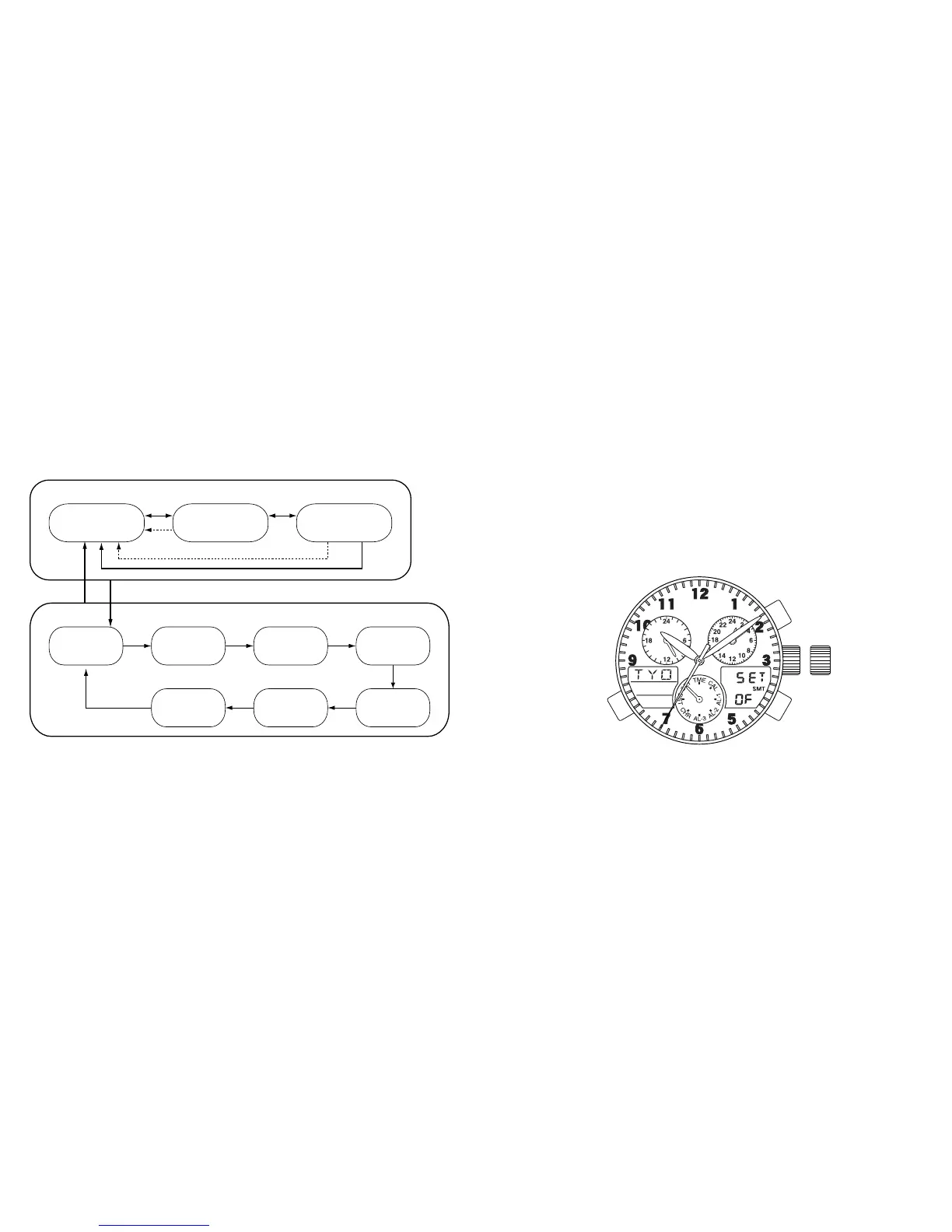
[Destination Timer]
Display of
remaining time
Display of arrival
time
Display of arrival
date
DST RUN/STP
Switching
Setting of
destination city
Setting of
arrival minutes
Setting of
arrival hours
Setting of
arrival year
Setting of
arrival month
Setting of
arrival day
AB
A*1
*1
Crown in normal
position
Crown at 2nd click
AAA
A
AAA
*1: Returns automatically after 10 seconds
[Destination Timer Correction State]



 To Next Page