98
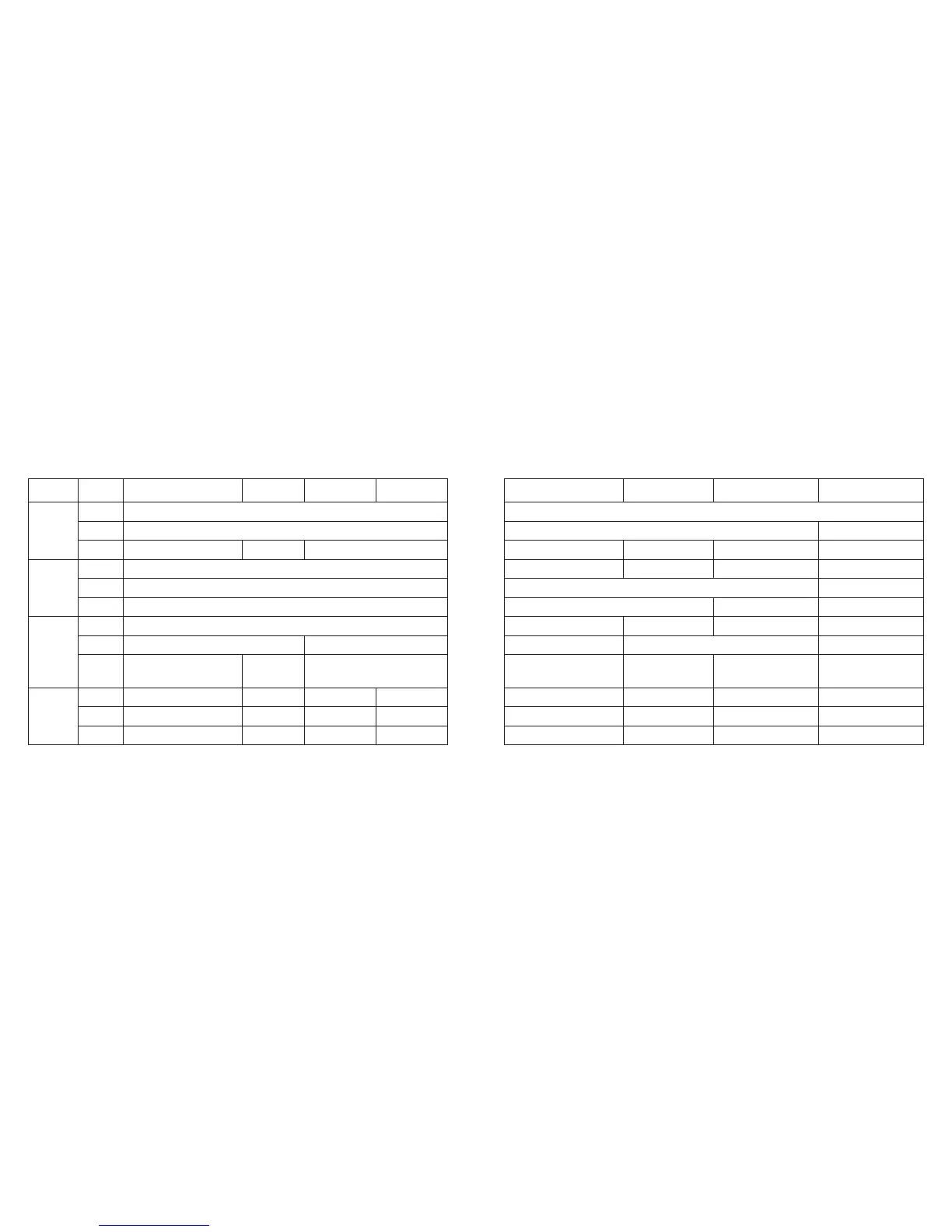
Name
/Mode
Time Calendar Alarm 1 Alarm 2
Crown
position
Normal
position
1st click
2nd click
Normal
position
1st click
2nd click
Normal
position
1st click
Mode switching
------
Time correction
Date
correction
Alarm time correction
Changing the city
------
Switching location to be corrected
Changing the city
------
Switching SMT (ON/OF)
Switching between “seconds”
correction and “24 hour time”
2nd click
Alarm 3 Chronograph Destination Timer Zone setting
Mode switching
------
Changing the city
Alarm time correction
Changing the city
------
Switching location to be corrected
Changing the city
Switching alarm (ON/OF)
Switching alarm (ON/OF)
0-position setting
Start/stop
Switching indication
(remaining time/setting time)
Switching the location of
correction
Split, reset
------
------
Switching between
RUN/STP
------
Destination timer
correction
Switching indication
(setting time/setting date)
City name, time
difference setting
Changing the city
Switching city name
(SET/OFF)
Switching location to be
corrected
Changing the city
Switching SMT (ON/OF)
0Crown
Button (A)
Button (B)
------
Switching alarm (ON/OF)
Switching alarm (ON/OF)
Button (C)
Normal
position
1st click
2nd click
EL illumination
EL illumination
------
EL illumination
EL illumination EL illumination
EL illumination
EL illumination EL illumination
------ EL illumination EL illumination
EL illumination
EL illumination
EL illumination
EL illumination
EL illumination
------
EL illumination EL illumination
EL illumination EL illumination
EL illumination EL illumination



 To Next Page