41
4
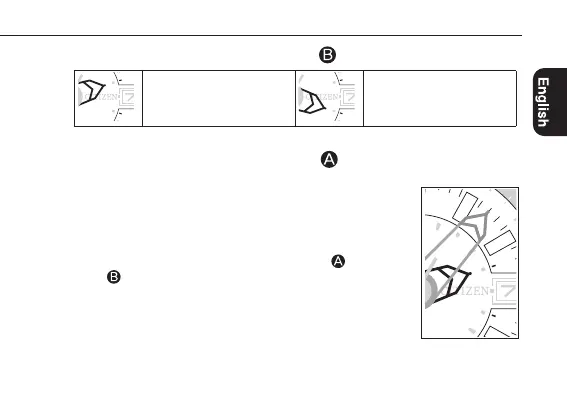
Press and release the lower left button
to choose east or west.
Choose this when the
direction of declination is west
(W).
Choose this when the
direction of declination is east
(E).
•Each time you press the button, choice of “E” and “W” changes alternately.
5
Press and release the upper left button
to set the degree of
declination.
•For example, as the declination in Tokyo is “7º W”, set it as
shown in the right.
•Indication keeps changing while you are pressing and
holding the button.
•Pressing and releasing the upper left button
and lower
left
at the same time before finishing step 5 resets the
values of 2 point correction and declination correction and
the watch returns to compass indication.
400
600
W
400
600
W
Calibrating compass indication
Continued on the next page
200
400
600
W
E
(-90)




 To Next Page