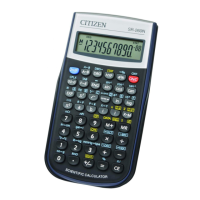
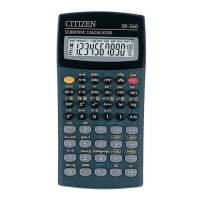
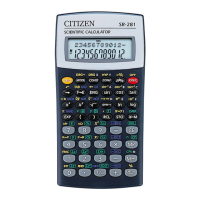
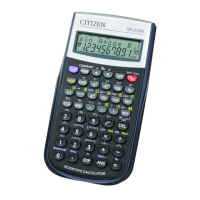
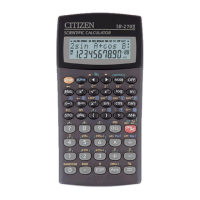
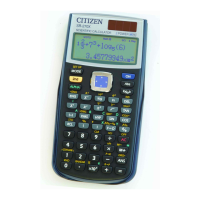
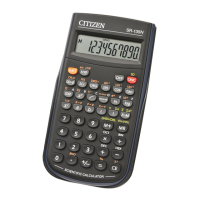
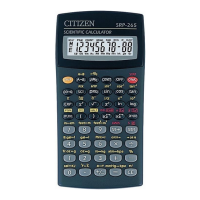
SR-260N_English_090324.rtf SIZE: 135x75mm / SCALE 2:1 / 2009/3/24
E8
Basic calculation
Before performing the following calculation, check to see that your
calculator is in decimal base and floating point display.
Mixed arithmetic calculation
DEG
1 + 2 x 3 = ? 1 [ + ] 2 [ x ] 3 [ = ]
7.
DEG
– 3.5 + 8
÷
2 = ? 3.5 [ +/– ] [ + ] 8 [
÷
] 2 [ = ]
0. 5
Parentheses calculations
Operation inside parentheses are always executed first. You can use
up to 15 levels of parentheses in a single calculation. When the first
parenthesis is opened, the “ ( ) ” indicator appears and remains in the
display until the last parenthesis is closed.
DEG
( 5 – 2 x 1.5 ) x 3
+ 0.8 x (– 4 ) = ?
[ ( ] 5 [–] 2 [ x ] 1.5 [ ) ] [ x ]
3 [ + ] 0.8 [ x ] 4 [ +/– ] [ = ]
2. 8
DEG
2 x { 7 + 6 x ( 5 +
4 ) } = ?
2 [ x ] [ ( ] 7 [ + ] 6 [ x ] [ ( ]
5 [ + ] 4 [ = ]
122.
(Note) : It is unnecessary to press the [ ) ] key before the [ = ] key.
Constant calculation
The calculator enables you to repeat the last number entered or the
last operation executed by pressing [ = ] key.
Repeating the last number
DEG
3 [ x ] [ = ]
9.
DEG
[ = ]
27.
DEG
3 x 3 = ?
3 x 3 x 3 = ?
3 x 3 x 3 x 3 = ?
[ = ]
81.
Repeating the arithmetic operation
DEG
321 [ + ] 357 [ = ]
678.
DEG
321 + 357 = ?
654 + 357
= ?
654 [ = ]
1011.
DEG
579 [–] 159 [ = ]
420.
DEG
579 – 159 = ?
456 – 159
= ?
456 [ = ]
297.
DEG
3 [ x ] 6 [ x ] 45 [ = ]
810.
DEG
23 [ = ]
414.
DEG
18 x 45 = ?
18 x
23 = ?
18 x
(0.5 x 10
2
)
= ?
0.5 [ EXP ] 2 [ = ]
900.


 To Next Page
 Loading...