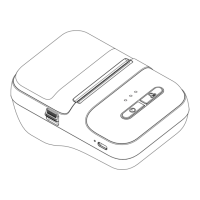
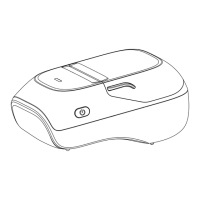
① Power Button
② Indicator
⦿ Press and hold for 2 seconds to turn on the printer.
⦿ Press one time, the printer will print the last label.
⦿ Press two times, the printer prints the device information.
⦿ Blue light flashing:Bluetooth disconnected.
⦿ Blue light on:Bluetooth connected.
⦿ Red light flashing:Low battery.
⦿ Red light on: Charging(Light will turn off when
fully charged).
③ Paper bin cover Open Button
⦿ Push the button up to open the paper bin cover.



 To Next Page