10 11
Note:
• If the deregistration process is not successful, you might need to
reset the system and try again. To reset, unplug the power from
the telephone base and plug it back in.
• You cannot deregister the handset(s) if any system handset is in
use.
Note:
• If your handset is registered to a base, you can re-register it to
a different base without deregistering it from the original base.
Just follow the directions in the section How to add (register) your
handset to the main unit (sold separately).
HOW TO DEREGISTER YOUR HANDSET(S)
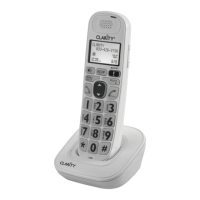
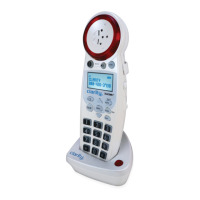
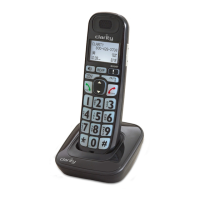
...please refer to the user guide included with the main unit (sold
separately). Once registered, your additional handset will perform the
same functions as your existing main handset.
... for purchasing this Clarity amplied telephone. We hope you will
enjoy using your new system.
If you have any questions regarding the operation of this telephone,
please contact one of our Customer Service Representatives for
prompt and useful information.
Phone: 800-426-3738
Fax: 800-325-8871
Email: claritycs@plantronics.com
Website: www.clarityproducts.com
FOR ADDITIONAL INFORMATION...


 To Next Page