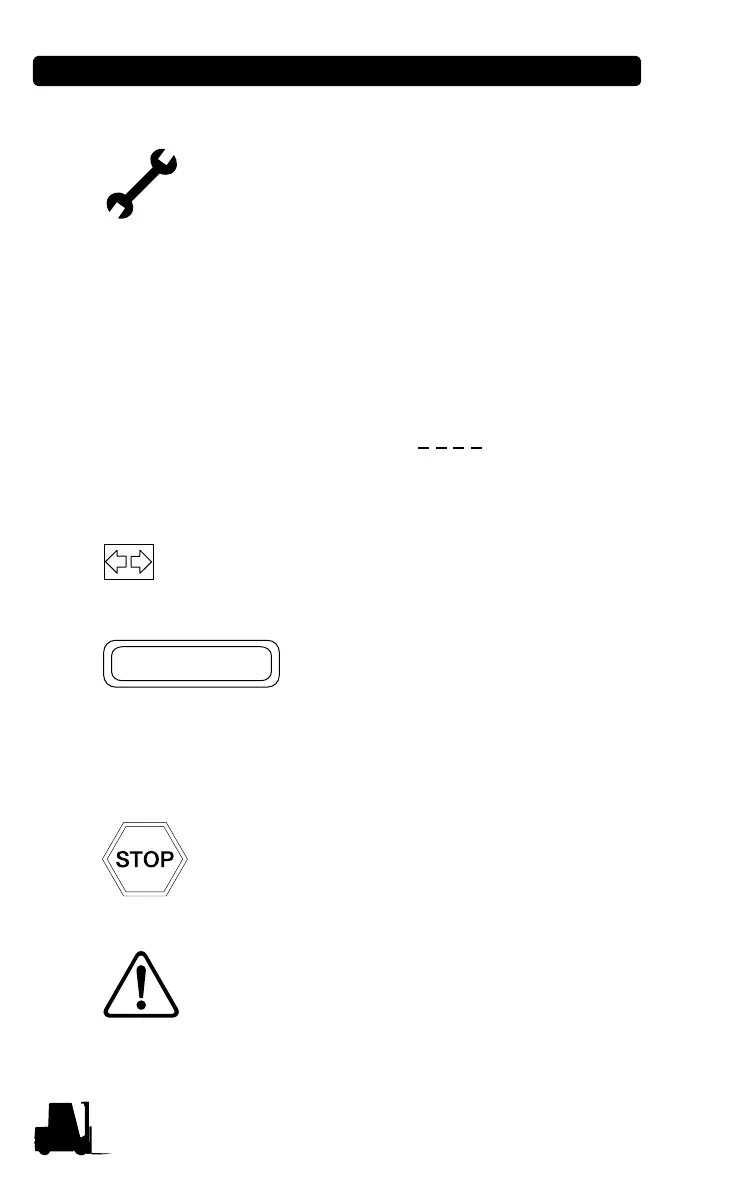
3-8 Pod Symbols and Functions
• Service icon
LED will illuminate when pre-set service time is
reached. When LED is on, the pre-set service
time has been reached indicating that a PM is
required. Refer to Service Manual for proper PM
procedures. Pre-set service time setting method -
initialized by “key on + FWD + F1 + F2”, service
time display at hour meter. Here, F1 is for up set,
F2 is for down set (with interval times of 50 hours).
When the key switch is turned OFF, the pre-set
service time setting time is saved. Pre-set service
time counts down opposite to operating time. To
disable the Service Icon, set the pre-set service
time to “-1000” (display 1
0 0 0 ); If you push the
F2 switch when setting the pre-set service time,
the time will be adjusted to “-1000”.
• Turn signal
Indicates that the turn signal switch is actuated.
• Hour meter
Indicates total engine operating
time. Operating time is recorded
only when the engine is running. It
is possible to make sure operating
status through the hour meter
indicator.
•Optional
• Optional
FX1187



 To Next Page