5-8
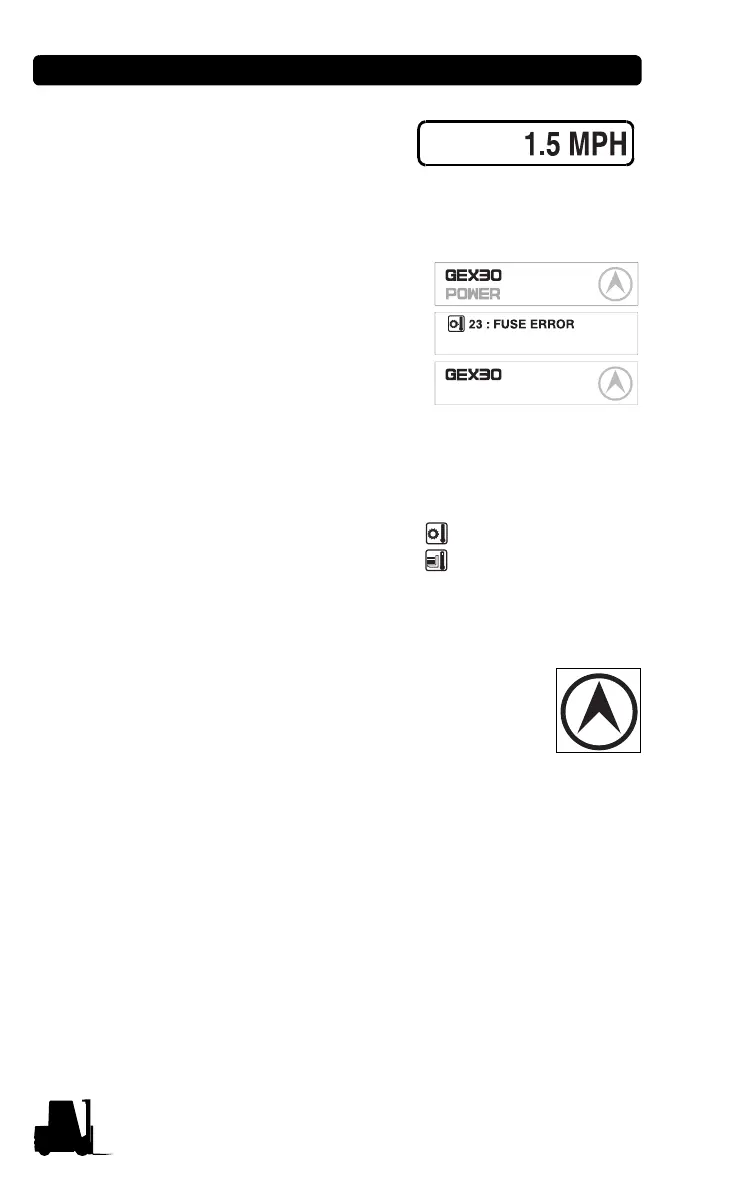
• Speed (MPH) is shown
when the truck is moving.
Message display (GEX/GTX)
The model name, POWER
se
lection, travel direction,
warning and error message
are displayed.
BATTERY LOW
Normal
Error
Warning
In normal operating condition:
Mod
el name/POWER/Travel
direction.
When several messages are
s
imultaneously displayed, it
will be displayed in the order of Error, Warning and Normal condition.
If many error conditions are
si
multaneously occurred, the priority
2 Errors will be displayed. (The
priority means Error number)
56 : FET SHORT
23 : FUSE ERROR
Travel direction icon (GEX/GTX)
It displays the traveling direction
or angle of steering
wheel.
The direction icon rotates in 10 degrees. (Total 36
icon)
Error icon (GEX/GTX): Wh
en error occurs this icon
is displayed to distinguish the condition easily. When the error
message is displayed, this icon is simultaneously displayed.



 To Next Page