Display 3-7
Section 3. Operator Compartment and Controls
2. Mode Select Switch (Membrane Switch)
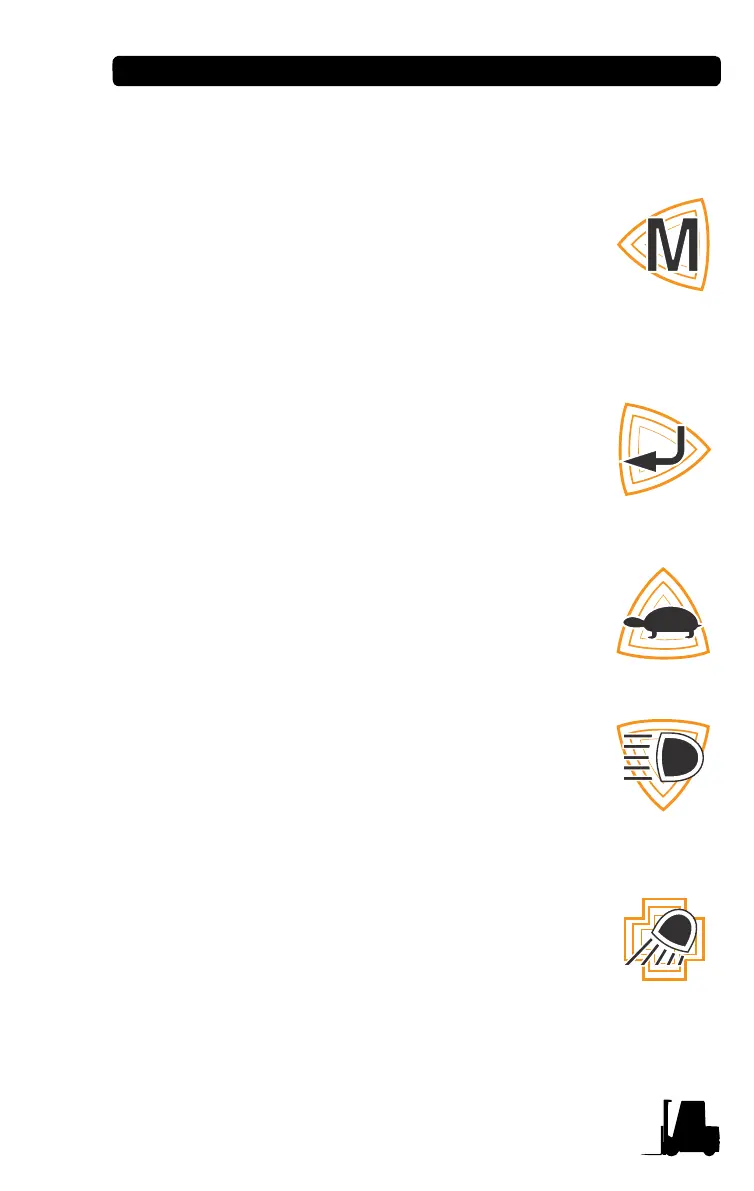
Left arrow button (Mode button)
1. When pressing this button at normal condition, it
will move to the Menu mode.
2. At menu mode, this switch is used for moving to
left menu.
3. At the top level menu, move back to the normal
operating mode.
Right arrow button (Enter button)
1. At the menu mode, this switch is used for mov-
ing to right menu.
2. Save the values with this enter button, pass-
word changing or adjusting value in sub menu.
Upper arrow button (Turtle select button)
1. At the menu mode, this switch is used for mov-
ing to higher menu.
Down arrow button (Work light button)
1. At the menu mode, this switch is used for mov-
ing to the lower menu.
2. At normal condition, work light switch function is
performed.
Plus button (Rear work light button)
1. At the menu mode, the data value is increased
to target value.
2. At normal condition, rear work light switch func-
tion performed.
3. At the menu mode, if pushing for over 1 second,
the changing value speed is increased.


 To Next Page