3-8 Display
Minus button (Strobe light or Blue dot light button)
1. At the menu mode, the data value is reduced to
target value.
2. At normal condition, strobe light switch function
performed.
3. At the menu mode, if pushing for over 1 second,
the changing value speed will decrease.
3. Indication of Display (Turn on the key switch)
Key on
1. Show “CLARK” until main screen
booted.
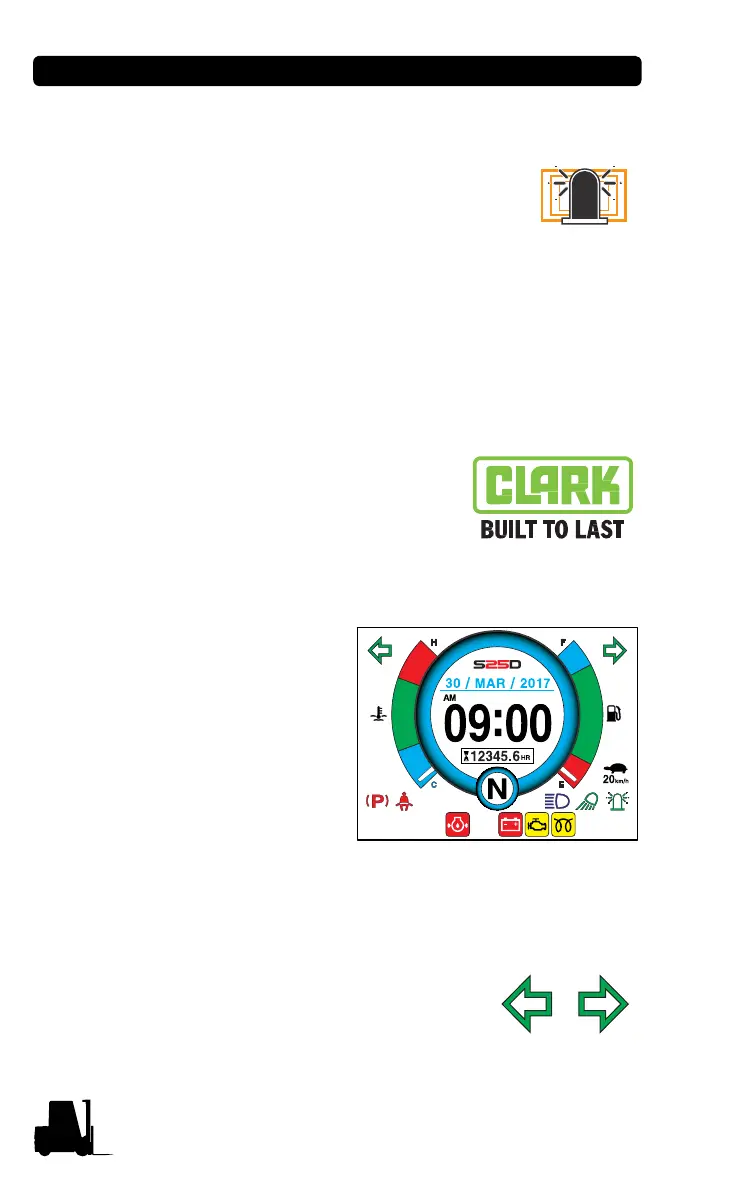
2. Show the main screen
with 1 time single beep.
Turn Signal Indicator (Optional)
1. Show left arrow for LH turn signal and
right arrow for RH turn signal.



 To Next Page