Login of One / Several Headset(s) at the CS60 Base Station
If one or several headset(s) are run at one CS60 base station, they are logged
in as follows:
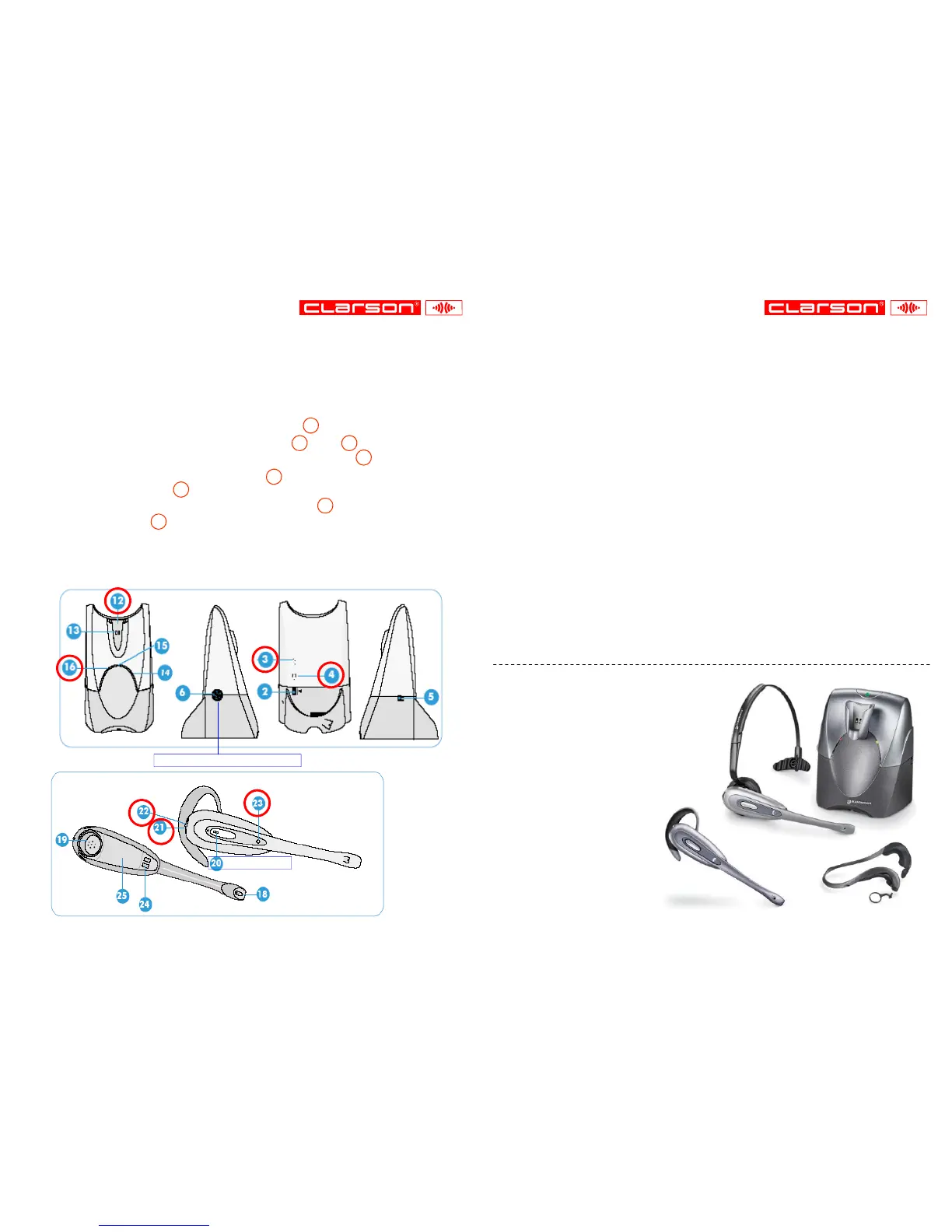
1. Insert the headset into the charging station 12
2. Press and hold speech volume buttons + 3 and - 4 of the base unit
for at least 5 sec —> power voltage indicator flashes 16 .
3. Press and hold headset mute button 22 for at least 5 sec.
—> online indicator 23 is illuminated.
4. Login is finished if the power voltage indicator 16 is illuminated and
online indicator 23 goes out.
5. If login is not made within 2 minutes, the headset returns to original state.
Speech button
Configuration dial in position „1“
21 =
Adjusting the
listen volume
1. Connect jack of the CS60 base station to the interface
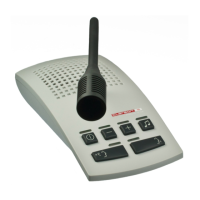
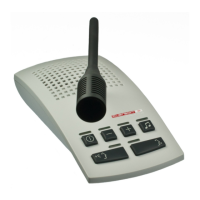
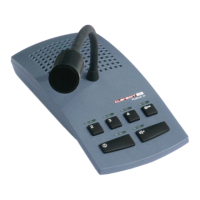
of the PUBLIC III microphone loudspeaker unit (page 3)
or directly to the PUBLIC III central unit HEADSET (page 2).
2. Connect CS60 base station to the mains (page 2).
3. Switch on PUBLIC III microphone loudspeaker unit ( ).
Press speech button (20, page 4) of the CS60 headset —>
led above button of the microphone loudspeaker unit flashes,
headset operation is activated.
4. Back to standard mode:
- Press speech button (20, page 4) of the CS60 headset.
- Switch the PUBLIC III system off and again on ( ).
5. For all other functions please refer to the PUBLIC III Operating and
Installation Instructions as well as to the CS60 Quickstart Guide.
4
Operating Instructions
5
CS60 DECT
Wireless Headset System
offering three wearing styles:
♦ Ear-loop
♦ Over-the-head
♦ Behind-the-neck *
* optional
Ear-loop
Over-the-head
Behind-the-neck


 To Next Page