10
The volume can only be changed if either or or is switched on.
PTT Mode:
Push and hold key to switch the microphone on.
Aenon: transmission only takes place when the LED is acvated.
Switching on PTT Mode:
Switch the intercom system o
Push and hold key (approx. 5 sec.) unl LED above ashes.
Switching o PTT Mode:
Switch the intercom system o
Push and hold key (approx. 5 sec) unl LED above ashes.
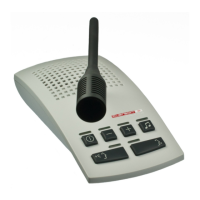
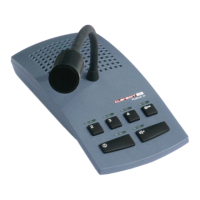
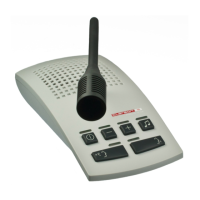
Intercom Console
The corresponding LEDs indicate the operang state of the intercom system. Should external distur-
bances such as prolonged voltage drops change the operang status, the original state can be restored
via control panel.
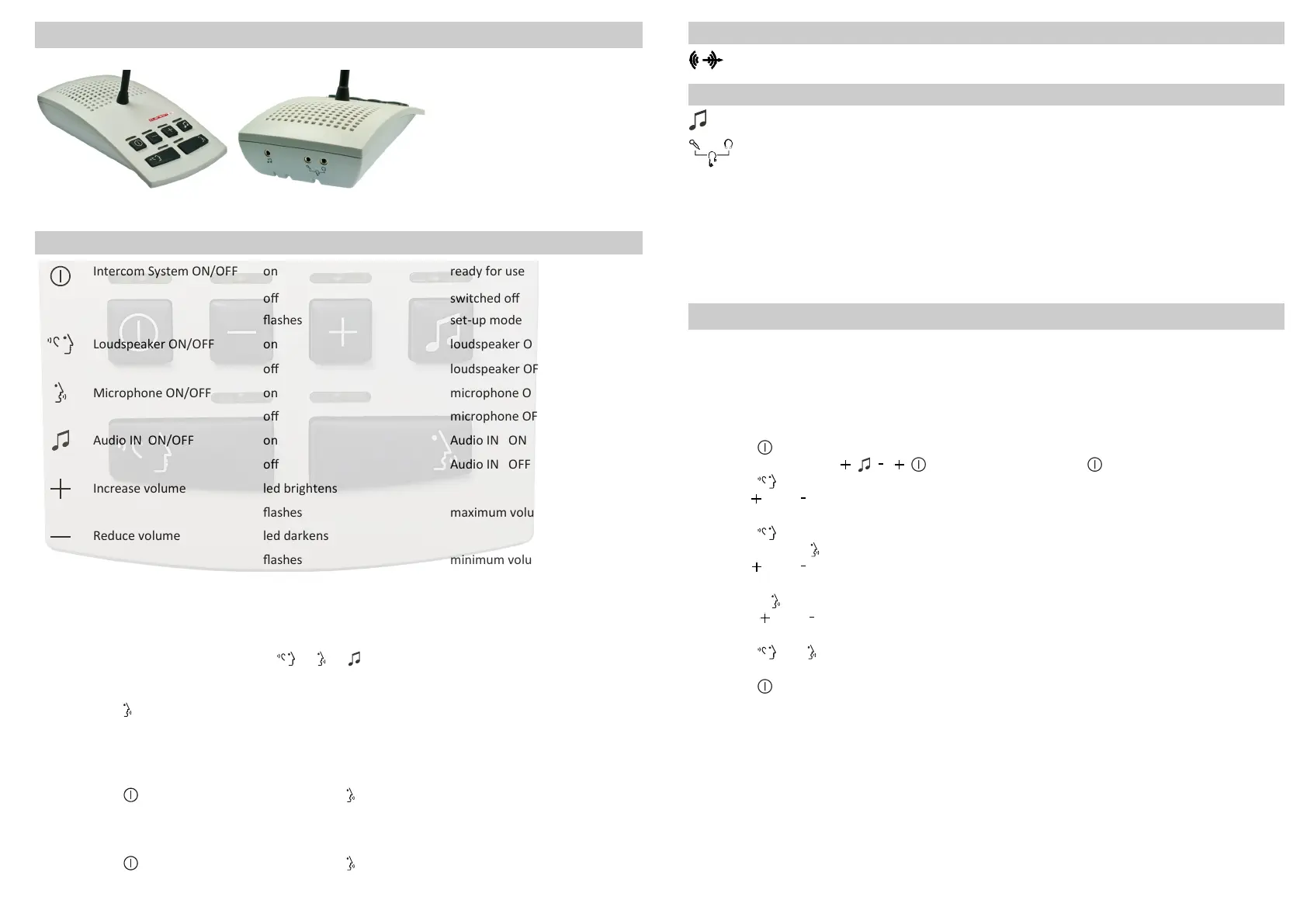
Key Funcons, External Connecons and LED Signalling
Key Funcon LED State System Operang Status
Intercom System ON/OFF on ready for use
o switched o
ashes set-up mode
Loudspeaker ON/OFF on loudspeaker ON
o loudspeaker OFF
Microphone ON/OFF on microphone ON
o microphone OFF
Audio IN ON/OFF on Audio IN ON
o Audio IN OFF
Increase volume led brightens
ashes maximum volume
Reduce volume led darkens
ashes minimum volume
11
Connecon for audio recorder
(5)
Connecon for audio player
(5)
Connecon for headset
(5) (6)
Aer switching on the intercom system the intercom console is acvated, regardless of whether the
headset microphone is plugged in or not.
Switchover to headset operaon is made by removing and re-inserng the headset microphone plug.
Operaonal Start-up/Service
(7)
External Connecons Intercom Console
External Connecons Central Unit
(5)
Not included in scope of supply
(6)
Contact Clarson directly for suitable headsets
(7)
Unplug or plug in patch cable only in power-free state
To avoid poor sound quality and feedback, it may be necessary to adjust the volume range sengs to
accomodate the acousc condions on site.
Maximum volume for both the Control Room and the Paent´s Room is set as follows:
Firstly, PTT turned on (state of delivery), ensure all doors between Control Room and Paent´s Room
are open.
Press the buon to switch the intercom system o, all LEDs will turn o.
Press the key sequence , the LED above the buon ashes.
Press the buon, the LED above the buon lights up.
Use the and buons to set the maximum volume for an opmal sound quality at the
Control Room .
Press the buon, the LED above the buon turns o.
Press and hold the buon, the LED above the buon lights up.
Use the and buons to set the maximum volume for opmal sound quality at the
Paent´s Room .
Release the buon, the LED above the buon turns o.
Press the and buons to the same me unl LEDs above the buons ash briey once
to save the new values.
Press the and buons to the same me unl LEDs above the buons
lights up | ashes | lights up, to reset to factory sengs.
Press the buon to exit the sengs, all LEDs will turn o.
Trouble shoong:
In case of interference, intercom components should be relocated to increase the distance from
sources of strong electromagnec radiaon.


 To Previous Page
 Loading...