6 7
English
Selecting themeasuring method
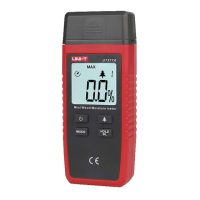
MAX – displays thehighest measured value
1. Press [ MODE ] repeatedly until “MAX”
appears on thedisplay.
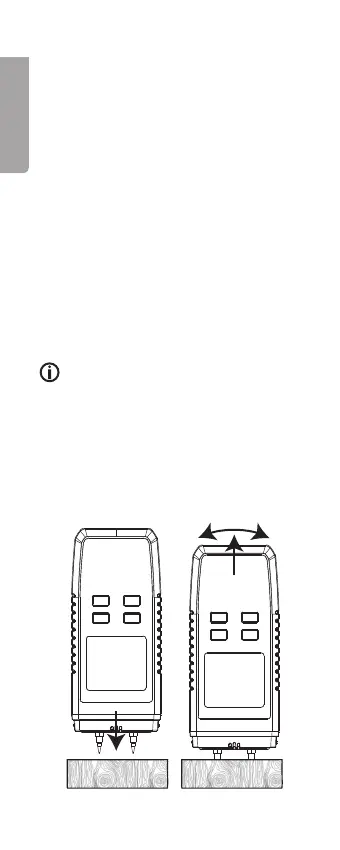
2. Press theelectrodes into thematerial to be
tested.
MIN – displays thelowest measured value
1. Press theelectrodes into thematerial to be
tested.
2. Press [ MODE ] repeatedly until “MIN” appears
on thedisplay.
Standard method – continuously
displays thecurrent reading
1. Press [ MODE ] repeatedly until neither “MAX”
nor “MIN” appears on thedisplay.
2. Press theelectrodes into thematerial to be
tested.
Note:
• Regardless which method you use, multiple
readings should be taken from several points
on thetest object to get arepresentative
picture of themoisture content.
• Make sure that theelectrode pins are
notbent. Presstheelectrodes straight
into thetest material and wiggle themeter
carefully when extracting theelectrodes after
themeasurement has beentaken.


 To Next Page