EasyManua.ls Logo

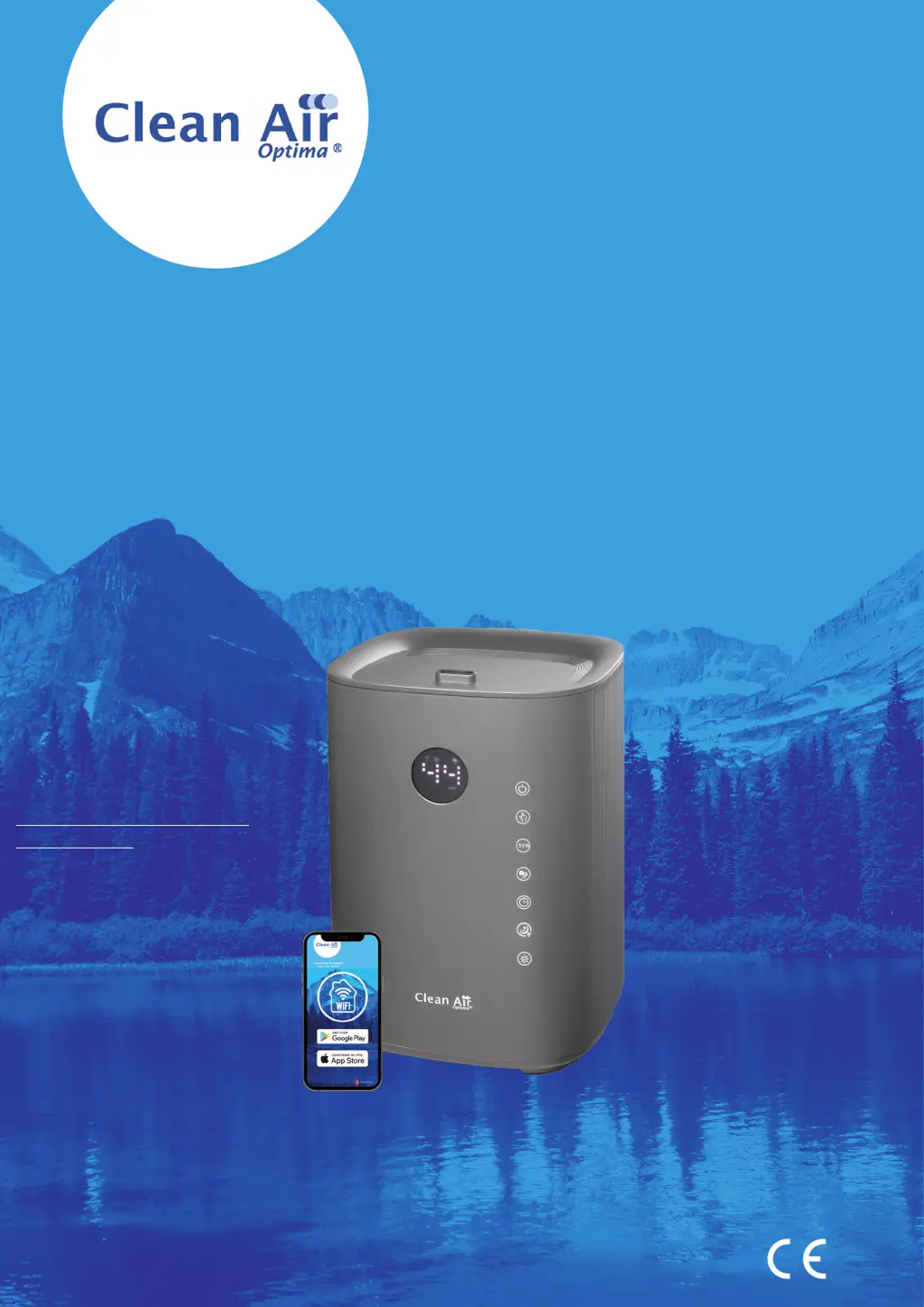
Clean Air Optima Smart CA-605T - User Manual

Clean Air Optima Smart CA-605T
178 pages
Print Icon
To Next Page IconTo Next Page
Loading...
Руководство пользователя
Прирачник за користење
User manual
Gebrauchsanweisung
Gebruiksaanwijzing
Mode d’emploi
Manual del usuario
Instrukcja obsługi
Manual de utilizare
Uživatelská příručka
Naudotojo vadovas
Kasutusjuhend
Lietošanas pamācība
Read these instructions carefully before you start using the Ultrasonic Humidifier and keep the manual for later usage.
Ultrasonic Humidifier Clean Air Optima® CA-605T Smart
© Copyright: Clean Air Optima
®
Manual
Find more languages on:
www.cleanairoptima.com/
info/manuals

Questions and Answers

Summary

Clean Air Optima CA-605 T Smart User Manual

Introduction and Language Options

Introduces the Ultrasonic Humidifier CA-605T Smart and lists available language manuals.

Device Components and Display Overview

Illustrates the main parts of the humidifier unit and explains the LED display symbols.

Device Description and Key Features

Detailed Component Breakdown

Detailed list and explanation of the 13 main components of the ultrasonic humidifier.

Safety Warnings and Precautions

General Safety Instructions for Operation

Essential safety guidelines to prevent injury, electric shock, fire, and device damage during operation.

Operating the Humidifier

Initial Setup and Water Tank Filling

Steps for initial setup, device placement, and filling the water tank using faucet or watering can.

Control Panel Button Functions

Explains the function and usage of key control buttons: Power, Manual, Humidity, Ion, and Timer.

Additional Features and Indicators

Details on Sleep Mode, WiFi setup, UV-Light function, and the water tank empty indicator light.

Clean Air Optima App Connectivity

WiFi Setup and Device Pairing

Instructions for connecting the humidifier to your smartphone/tablet via WiFi using the Clean Air Optima® App.

Sharing Device Access with Multiple Users

Guides on sharing device control with multiple users, either with limited or full access privileges.

Water Filter and Aromatherapy

Water Filter W-02 Maintenance and Replacement

Information on the Water Filter W-02, its benefits, installation, replacement, and timer reset.

Aromatherapy Function and Essential Oil Use

Instructions for activating the aroma function and the proper use of Clean Air Optima® essential oils.

Aromatherapy Oil Usage Warnings

Crucial warning against using non-approved oils or additives, which can damage the device.

Cleaning and Maintenance Procedures

Recommended General Cleaning

Recommendations for maintaining the humidifier, including weekly cleaning of the transducer and water basin.

Detailed Cleaning of Transducer and Water Basin

Step-by-step guide for cleaning the transducer and water basin using the cleaner and descaler.

Troubleshooting and Technical Information

Common Problems and Solutions

A guide to identify and resolve common issues like no mist, strange odors, noise, or app connectivity problems.

Technical Specifications and Compliance

Detailed technical data including model, voltage, power, dimensions, weight, capacity, and compliance.

Disposal Information

Information regarding proper disposal of the device and packaging according to regulations.

Service, Warranty, and Support

Warranty Certificate and Return Process

Instructions for completing the warranty certificate and returning the unit for service or repair.

Warranty Terms and Conditions

Details of the warranty coverage, duration (two years), and conditions that may void the warranty.

Customer Support Resources and Contact

Links to FAQ, manual downloads, videos, and contact details for customer support.

Clean Air Optima Smart CA-605T Specifications

General IconGeneral
BrandClean Air Optima
ModelSmart CA-605T
CategoryHumidifier
LanguageEnglish

Related product manuals