Need help?
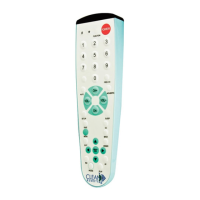
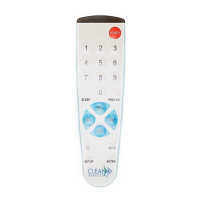
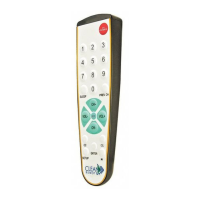
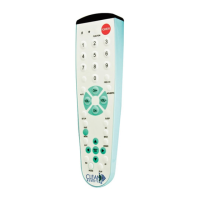
Do you have a question about the Clean Remote CR1R and is the answer not in the manual?
Procedure to reset the remote for TV or different brand TV code searches by holding SETUP and CC buttons.
Procedure to reset the remote for TV operation only, by holding SETUP and power button.
This document provides instructions for the CR1R and CR3BCB remote controls, focusing on battery installation, TV setup, and cable box setup.
The CR1R and CR3BCB remotes are designed to control televisions and, optionally, cable boxes. They feature a simple interface for basic functions like power, volume, and channel control. The setup process involves a code search mechanism to identify and program the remote for specific TV and cable box brands.
To reset the remote to the beginning of the code search: Press and hold the "SETUP" button down, then simultaneously press and hold the "CC" button down until the red LED light blinks quickly 3 times. Release both buttons. The code list is now reset to the beginning. Then follow the "Easy TV Setup" instructions on Page 1.
If you have already set up the remote for both a TV and a Cable Box and now wish to operate the TV only (without the cable box): Hold down the "MUTE" button and "SETUP" button together until the remote blinks 3 times quickly. Immediately release both buttons. Then follow the "Reset" instruction in the paragraph above.
The document does not explicitly detail maintenance features beyond battery replacement and troubleshooting steps for resetting the remote. Regular cleaning of the remote's surface with a soft, dry cloth is generally recommended for electronic devices.
 General
| Brand | Clean Remote |
|---|---|
| Model | CR1R |
| Category | Remote Control |
| Language | English |


 To Next Page