9
Connect Robot to the Cloud
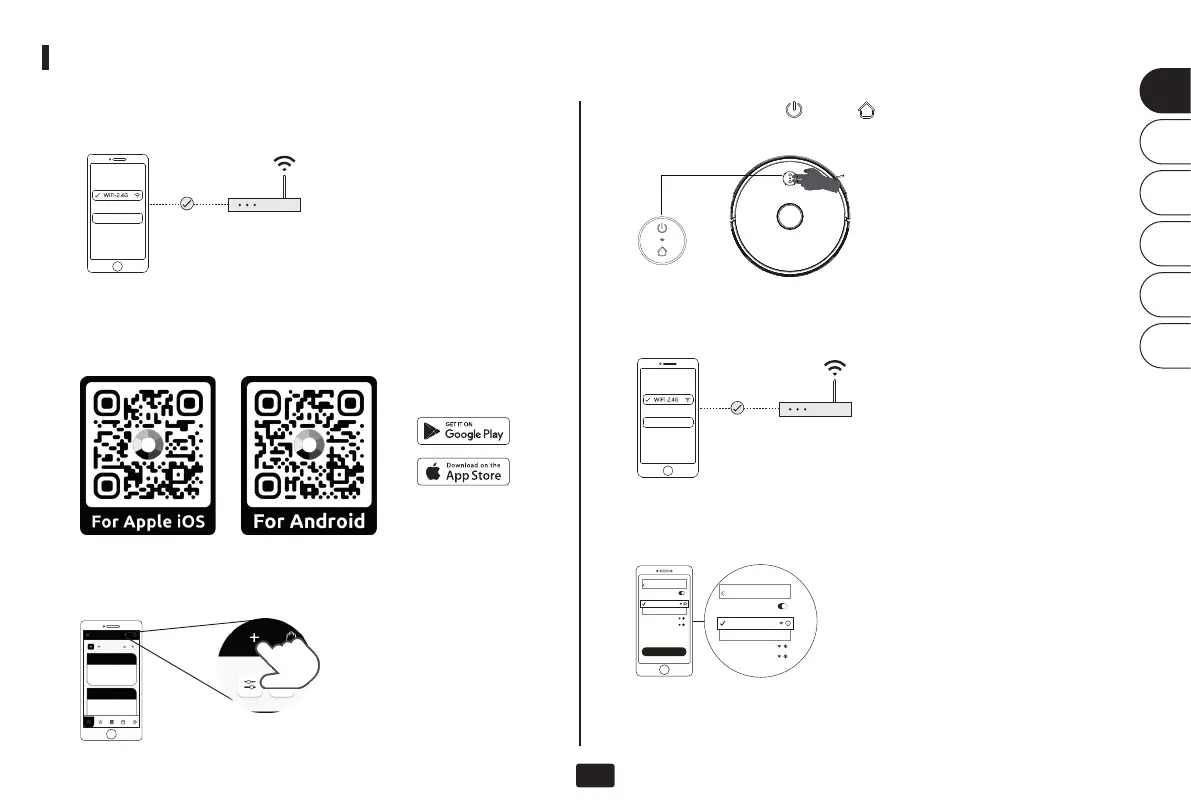
Connect your cell phone or tablet to the desired WLAN. (The
WLAN must support the 2.4 GHz frequency!)
Click on the "Plus (+)" in the upper right corner and select the
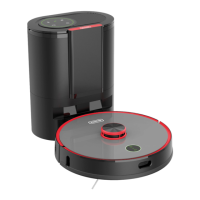
robot vacuum cleaner "Cleanfix S170 Navi''.
Connect robot to the cloud
Set up
Select WiFi...
Configure Network
WLAN
WLAN
SmartLife-XXXX
SmartLife-XXXX
XXXXXXXX
XXXXXXXX
Set up
Select WiFi...
WLAN
WLAN
XXXXXXXX
XXXXXXXX
Password
②
Scan one of the QR codes below or search for "FieldBots" in your
mobile device's app store.
Download the app and log in with your FieldBots account.
Press and hold the " " and " " button for 5s to start the
network configuration of the robot vacuum cleaner.
⑤
Select the recently connected WLAN of your mobile device and
enter the password again.
Password
⑥
Now open the WLAN settings of your mobile device and connect
to the WLAN "SmartLife-XXXX".
⑦
Return to FieldBots and wait until the network configuration is
completed.
EN
DE
FR
IT
ES
JP


 To Next Page