21
OZONE GENERATOR
– continued
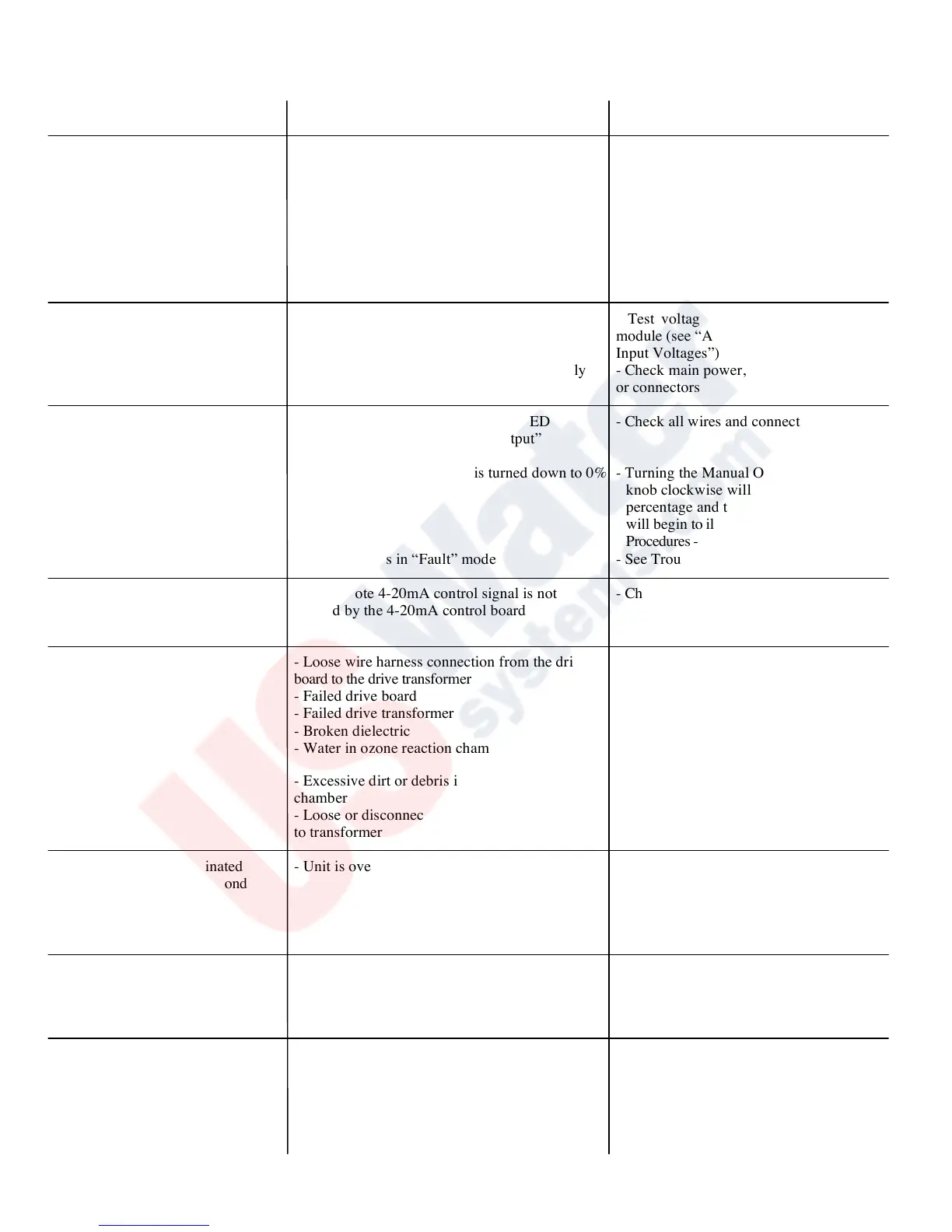
PROBLEM/SYMPTOM POSSIBLE CAUSE SOLUTION
Drive Module - Main Power - No power to drive module from power supply - Check main power to unit
“Green” LED(s) not illuminated - Test voltage from power supply
to drive module (see “Appendix – Drive
Module Input Voltages”)
- Check for loose wires or connectors
- LED is not illuminated during startup sweep. - Turn contact signal up (POT or 4-20) to let
unit complete startup sweep.
- Blown drive board module - Replace “on board” fuse
on board fuse
Transformer (XFMR) Power, - If drive module “Main Power” LED(s) - Test voltage from power supply to drive
“Green” LED not illuminated not illuminated, the “XFMR Power” LED module (see “Appendix–Drive Module
will not illuminate Input Voltages”)
- No power to drive module from power supply - Check main power, check for loose wires
or connectors
Ozone Output, “Amber” - If the Transformer (XFMR) Power LED - Check all wires and connectors
LED not illuminated is not illuminated, the “Ozone Output”
LED will not illuminate
- The Manual Ozone Output is turned down to 0% - Turning the Manual Ozone Output
knob clockwise will increase ozone output
percentage and the “Ozone Output” LED
will begin to illuminate (see “Installation
Procedures - Electrical, Optional Equipment”)
- Drive board is in “Fault” mode - See Troubleshooting, “Fault” LED
The “Ozone Output” LED(s) - The remote 4-20mA control signal is not - Check for loose wires or connections
not responding to the remote sensed by the 4-20mA control board
4-20mA control signal - See “Installation Procedures – Electrical”
Fault, “Red” LED illuminated - Loose wire harness connection from the drive - Check all wires and connectors
With 1 or 2 Blinks every second board to the drive transformer
- Failed drive board - Replace drive board
- Failed drive transformer - Replace drive transformer
- Broken dielectric - Replace dielectric
- Water in ozone reaction chamber - Clean dielectric and replace O-rings
reaction chamber
- Excessive dirt or debris in the ozone reaction - Clean dielectric and replace O-rings
chamber
- Loose or disconnected High Voltage Lead - Attach High Voltage lead to
to transformer transformer
Fault, “Red” LED illuminated - Unit is over heating - Check fan for proper operation and
With 1 or 2 Blinks every second clean fan filter
- Check operating temperature
- See “Installation Procedures - Getting
Started...Equipment Placement”
Fan not operating - Fan obstructed - Remove obstruction
- Power supplies not operating - Check main power, check fuses.
Repair or Replace as required
- Fan inoperable - Replace fan
Low air flow or no air flow - Air prep system not operating properly - See “Start Up & Calibration” - Step 5
- Fouled inline filter - Change inline filter
- Air leak - Check all fittings, tighten as needed
- Incorrect wiring to air prep system - See “Installation Procedures - Electrical”


 To Next Page
 Loading...