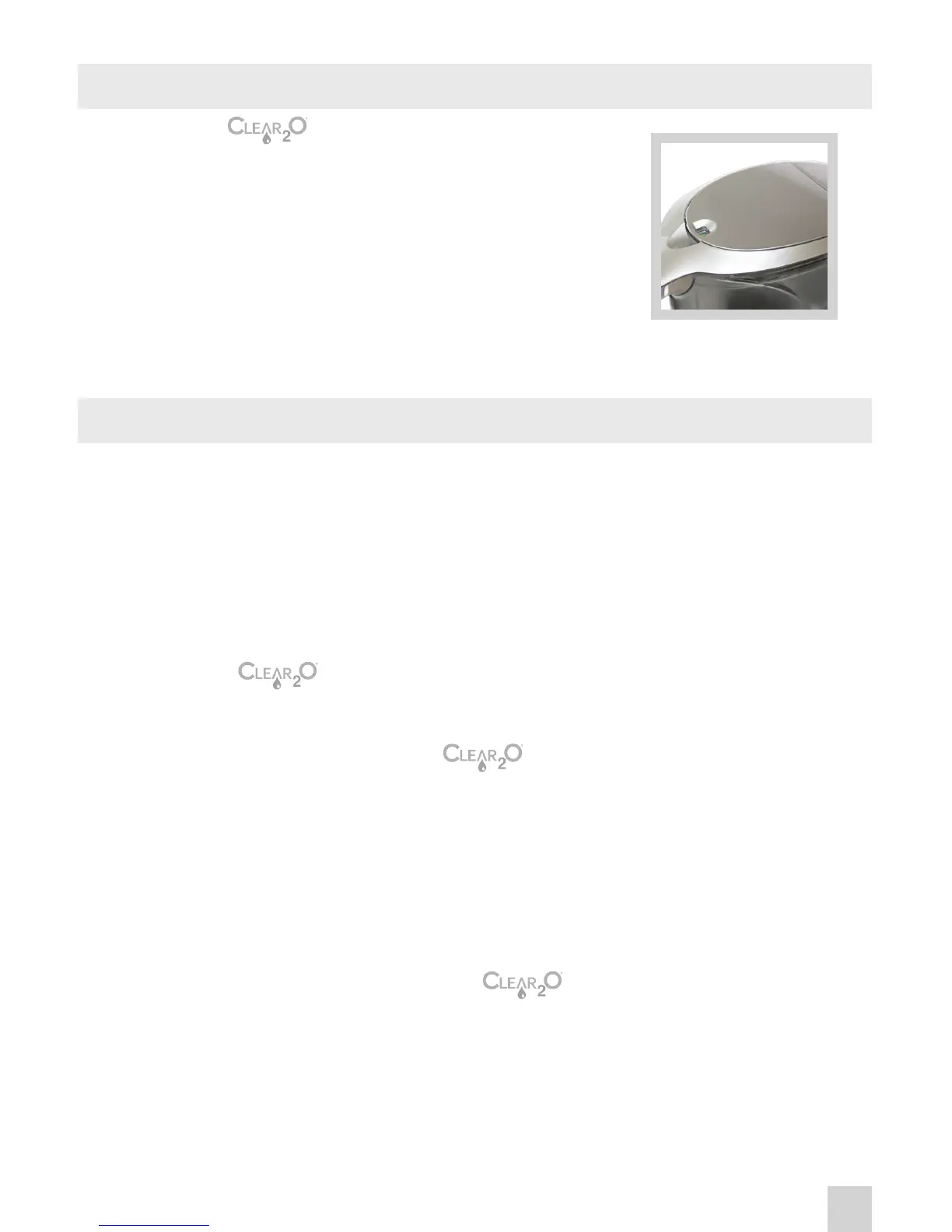
FILTER INDICATOR
CARE AND CLEANING
1. The Gravity™ Advance Filter Pitcher has
a TrueLife™ lter life indicator built into the lter
cover that automatically measures 60 gallons and
resets after the lter is replaced.
Green – Good for 60 Gallons
Yellow – Filter is nearing replacement
Red – It is time to replace lter
2. Once indicator turns red, it time to replace the lter.
Replacement lters are available on our website www.clear2o.com.
For best results, the lter should be replaced after 60 gallons of
consumed water, approximately every 2 to 3 months.
Unlike some other products that estimate lter life based on a timer, the
TrueLife™ lter life indicator in your Gravity™ Advanced Water
system measures the amount of water you use, resulting in a better value
for your money. You will not need to replace the lter unless you have
exceeded the recommended lter capacity.
1. Remove lter from pitcher
2. Hand-wash pitcher, lid and water reservoir with a mild detergent
and water. Do not use abrasive cleaners. Rinse well and dry.
3. Replace with new lter; TrueLife lter indicator will be reset upon
insertion of lter. Thus it is recommended to time cleanings upon
lter replacement.
TIP: Periodically hand-wash your pitcher, lid and reservoir. For best results
cleaning Gravity™ Advanced Filter Water Pitcher lid, dilute a
teaspoon of vinegar in a cup of water. Soak a soft sponge in vinegar
solution and wipe clean.
IMPORTANT: Do not wash the lter. Never place pitcher or lter
in dishwasher.
5



 To Next Page