6
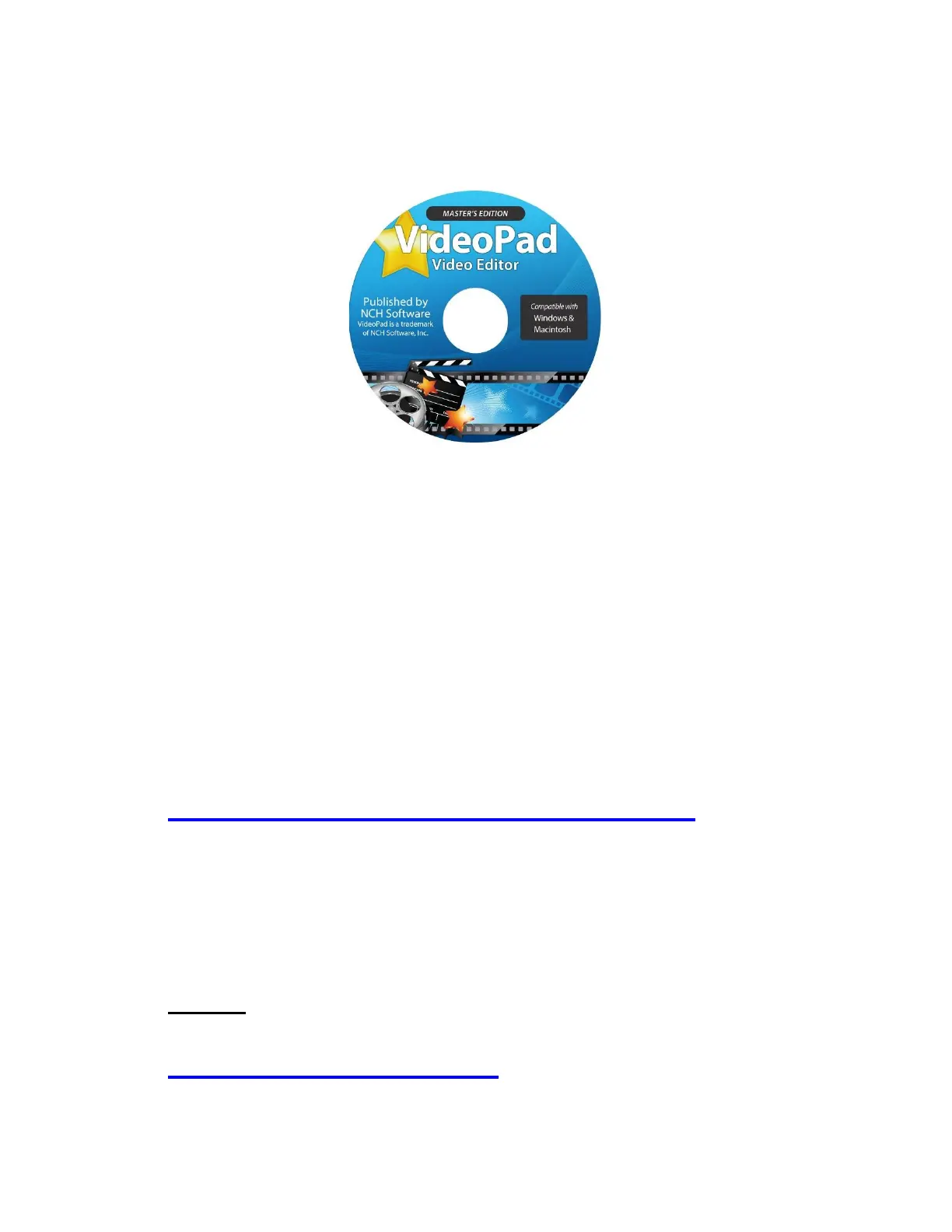
How To Get Started With VideoPad
If you’d like, you can use the included VideoPad (Master’s
Edition) software to edit, burn, and convert your videos to
other formats. To get started, simply follow the steps
below.
1. Insert the CD into your PC or Mac. Browse the CD
contents and run the installation file for your PC or
Mac. Install the software.
2. Next, you must ACTIVATE the software. Go to:
http://www.nchsoftware.com/activation/
Enter your information and the serial number on the
back of the CD envelope that it came in. NCH
Software will email you an activation code.
NOTE: Having trouble with your serial number or
with activation? Please email us at
licenses@clearclick.tech. We will diagnose the
issue and send you a serial number if necessary.


 To Next Page