11
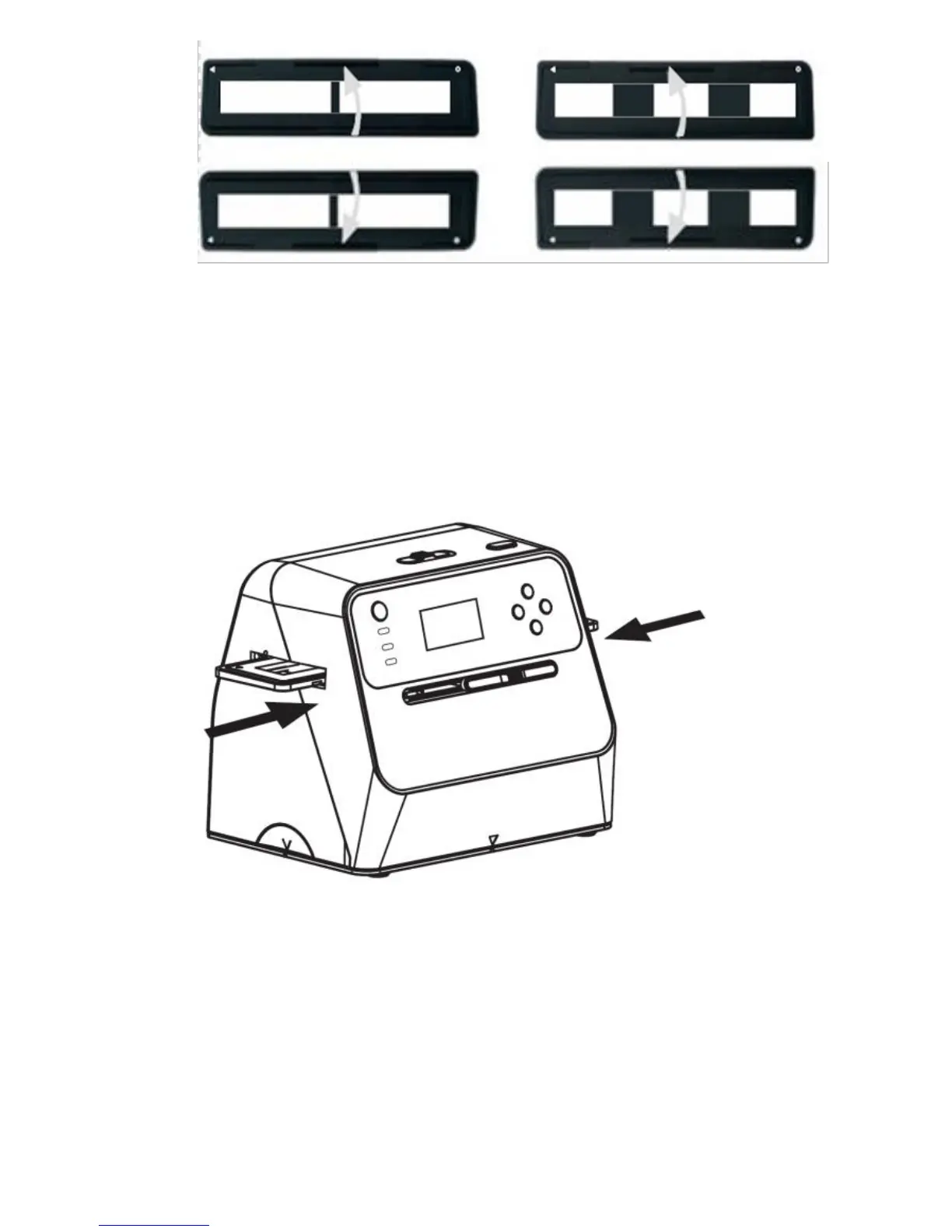
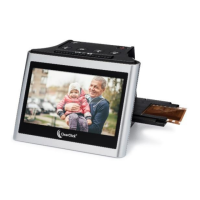
d. Insert the slide or negative holder into the
scanner. The “OPEN” marking on the film
holder should face up and face you as you
insert it into the scanner.
e. NOTE! By default, the scanner will be in “Slide”
scanning mode. If you are scanning negatives,
your negatives won’t appear as photos until
you set the scanner to “Negative” scanning
mode. See the next step for details.


 To Next Page