12
f. Set the film type by pressing the “TYPE/▲”
(UP) button until the correct film type setting
is shown in the bottom left corner of the
scanner’s LCD:
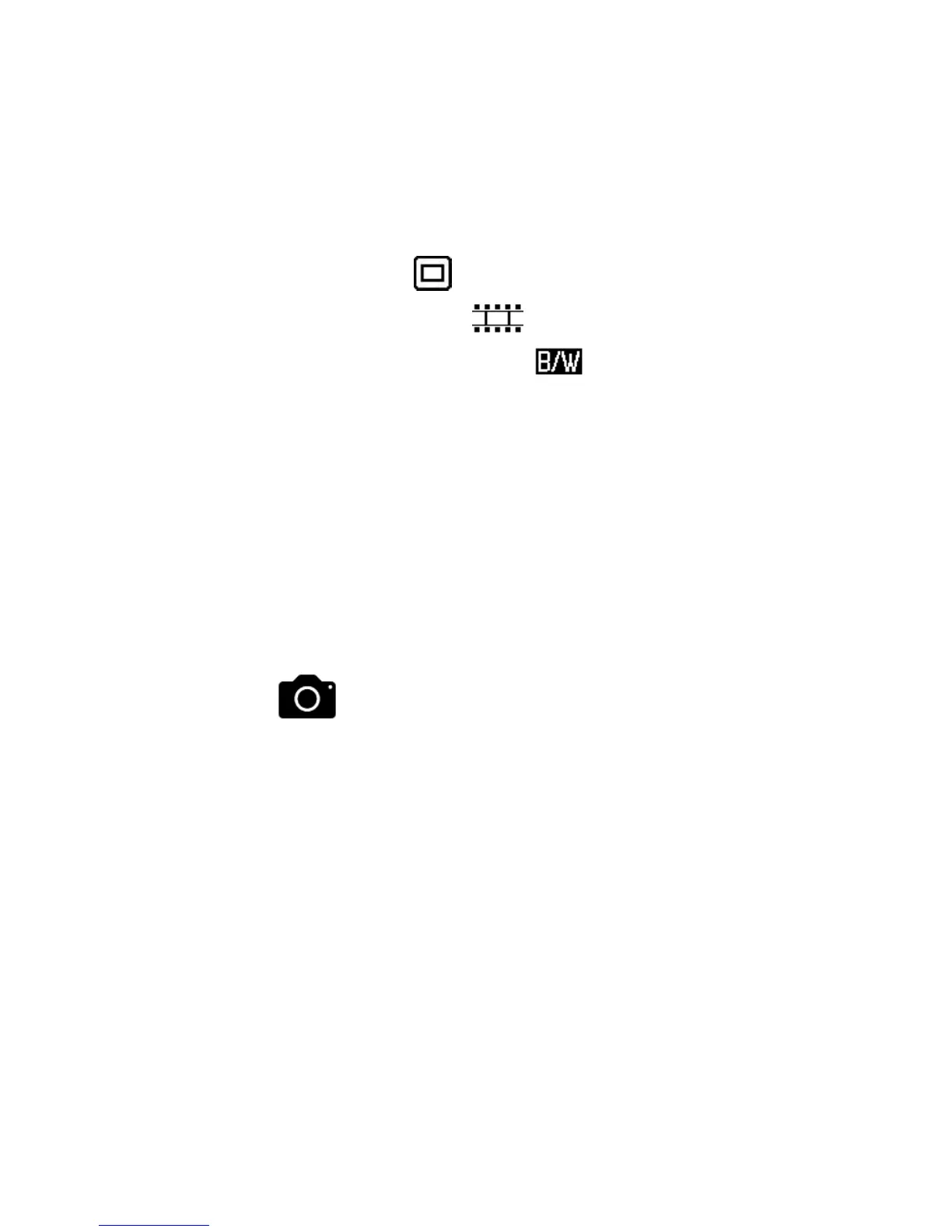
35mm Slides –
35mm Negatives –
35mm Black & White –
110 Film – 110
126 Film – 126
g. Move the holder into the scanner until your
first slide or negative appears on the screen.
h. To SCAN AND SAVE your photo, press the
“OK” button on the top of the scanner.
The photo will be scanned and saved onto the
SD memory card.
i. Simply repeat the steps above for all the slides
and negatives that you want to scan.
7. Download scanned images to your
computer.


 To Next Page