13
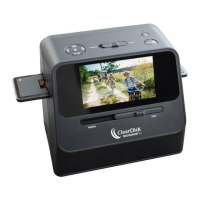
a. With the scanner turned OFF, plug the scanner
into your computer using the included USB
cable.
b. Turn the scanner on.
c. A message will appear on the screen, “PC
LINK?” Press the UP (TYPE/▲) button to select
“YES” on the screen. Then press the “OK”
button on the top of the scanner.
d. Once the scanner successfully connects to the
computer, the scanner’s LCD screen will turn
off.
e. The memory card will now appear on your
computer as a removable disk drive. Access it
as you normally do a disk drive on your system
and browse to the images. The photos will be
in the “DCIM”/”100MEDIA” folder on the
memory card. Select the images, and drag/copy
them to a folder on your computer’s hard
drive.


 To Next Page