7
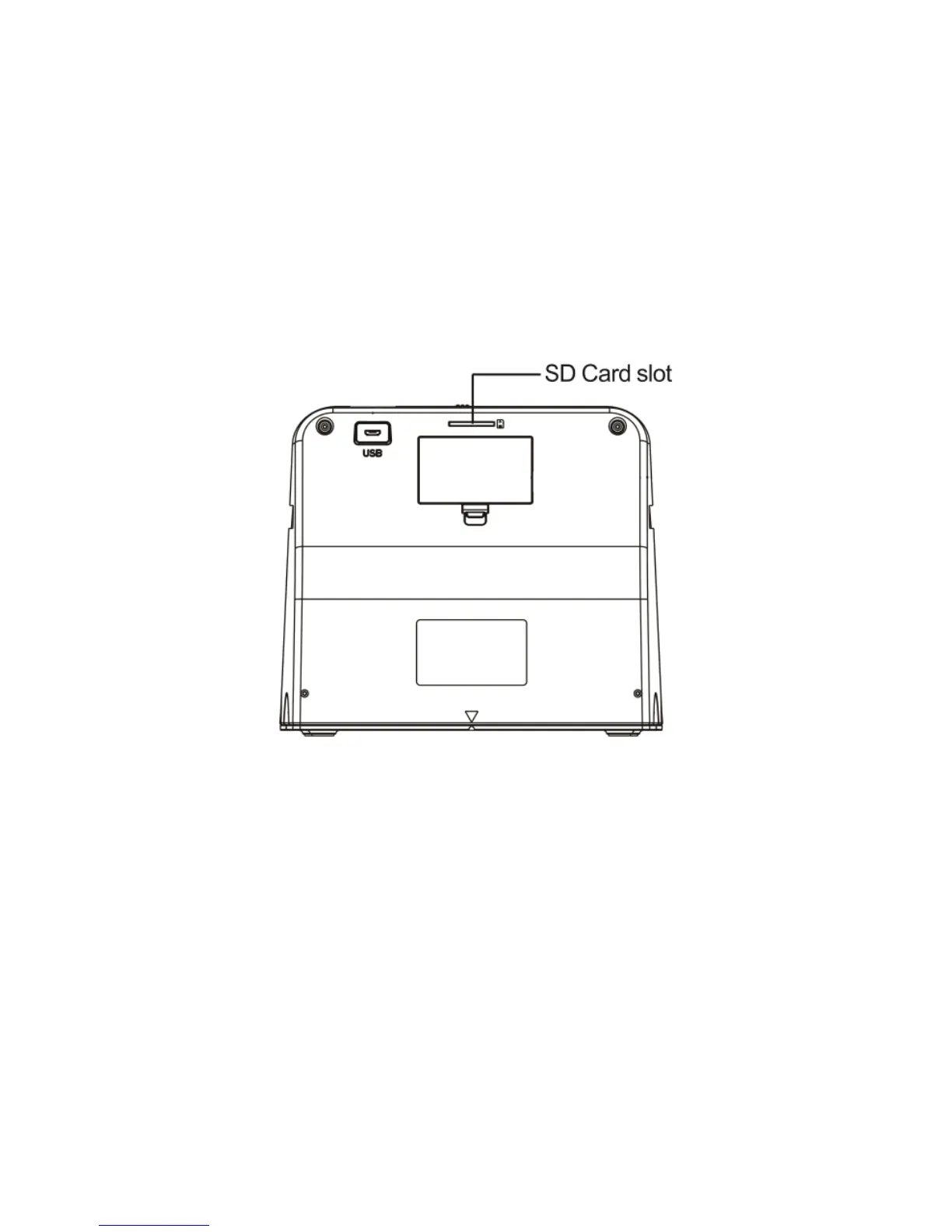
3. Insert the memory card.
Insert the included memory card into the slot in
the back of the scanner. (The gold contacts go in
first, face down.) Press the card into the slot until it
clicks into place.
4. Power on the scanner.
(To use the scanner with the battery, unplug the
power adapter cable first.)
Hold down the power button until the scanner
turns on.


 To Next Page