6
2. Charge the battery for at least 2-3 hours.
Before using the scanner for the first time, please
charge the battery at least 2-3 hours. This is
necessary because to maintain the battery
correctly, it must start out at a full charge.
There are two ways to charge the battery:
a. Charge with a power outlet. Use the included
USB cable and power adapter to charge the
scanner using an electrical outlet.
b. Charge with your computer. Use the included
USB cable to plug the scanner into your computer
to charge it.
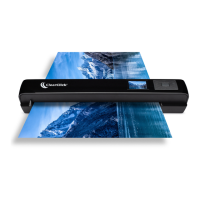
A red LED on the front of the scanner will
illuminate while the scanner’s battery is charging.
The LED will turn off when the battery is fully
charged.


 To Next Page