5
QuickConvert® 2.0 Quick Start Guide
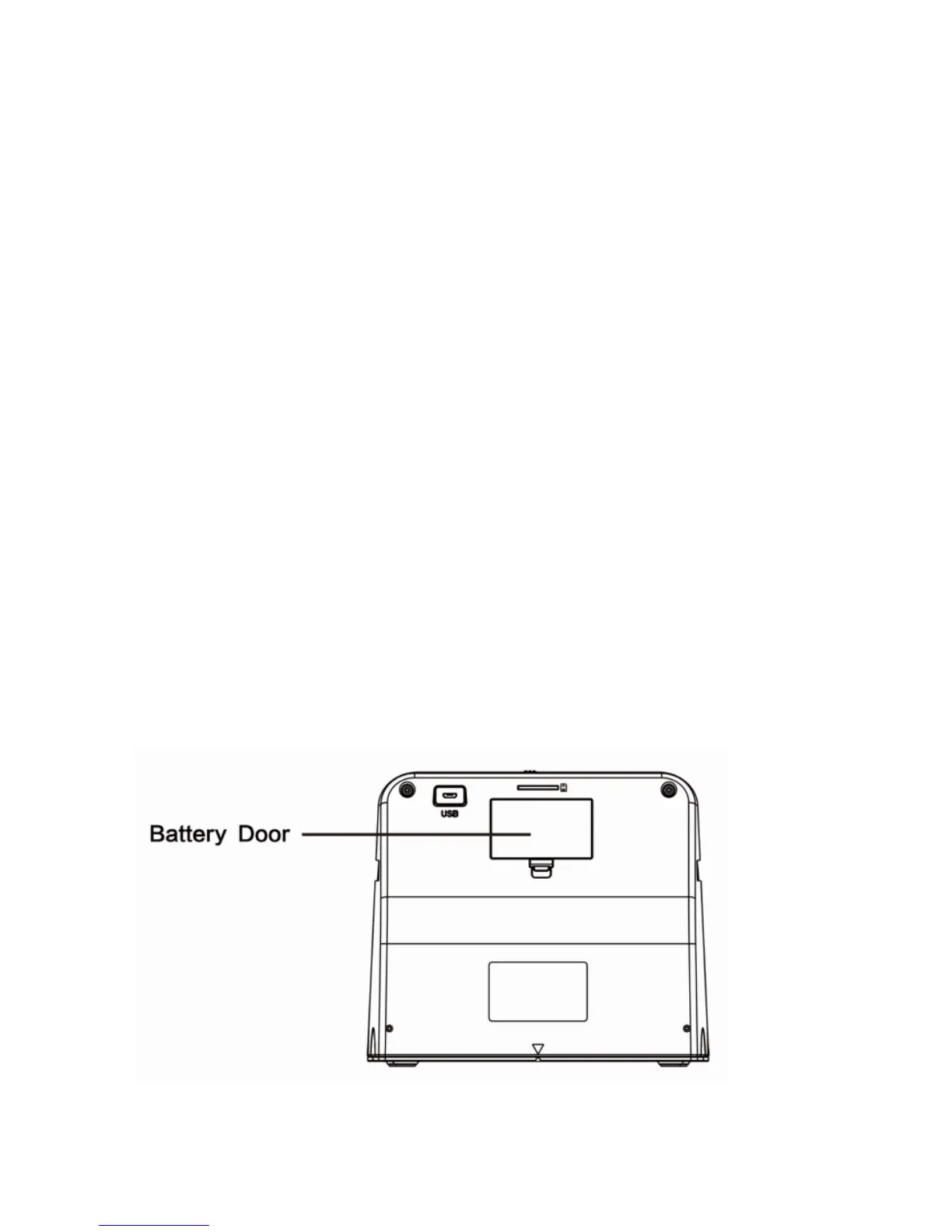
1. Install the rechargeable battery.
(Note: If you wish to use the scanner without the
battery, simply use the included power adapter and
skip to step #3.)
Locate the rechargeable lithium battery included
with the scanner. Remove it from its packaging and
install it in the battery compartment in the back of
the scanner. (Make sure the battery is inserted the
correct direction by ensuring the + and - sides of
the battery line up with the markings shown in the
battery compartment.)


 To Next Page