FARMINGDALE PUBLIC LIBRARY
116 Merritts Road ▪ Farmingdale, NY 11735 ▪ 516-249-9090 ▪ www.farmingdalelibrary.org
1. Ensure the converter is ON.
2. Remove USB cable from outlet plug
3. Plug the USB cable into the converter. Plug the other end of the
USB cable into any free USB port on your PC or Mac.
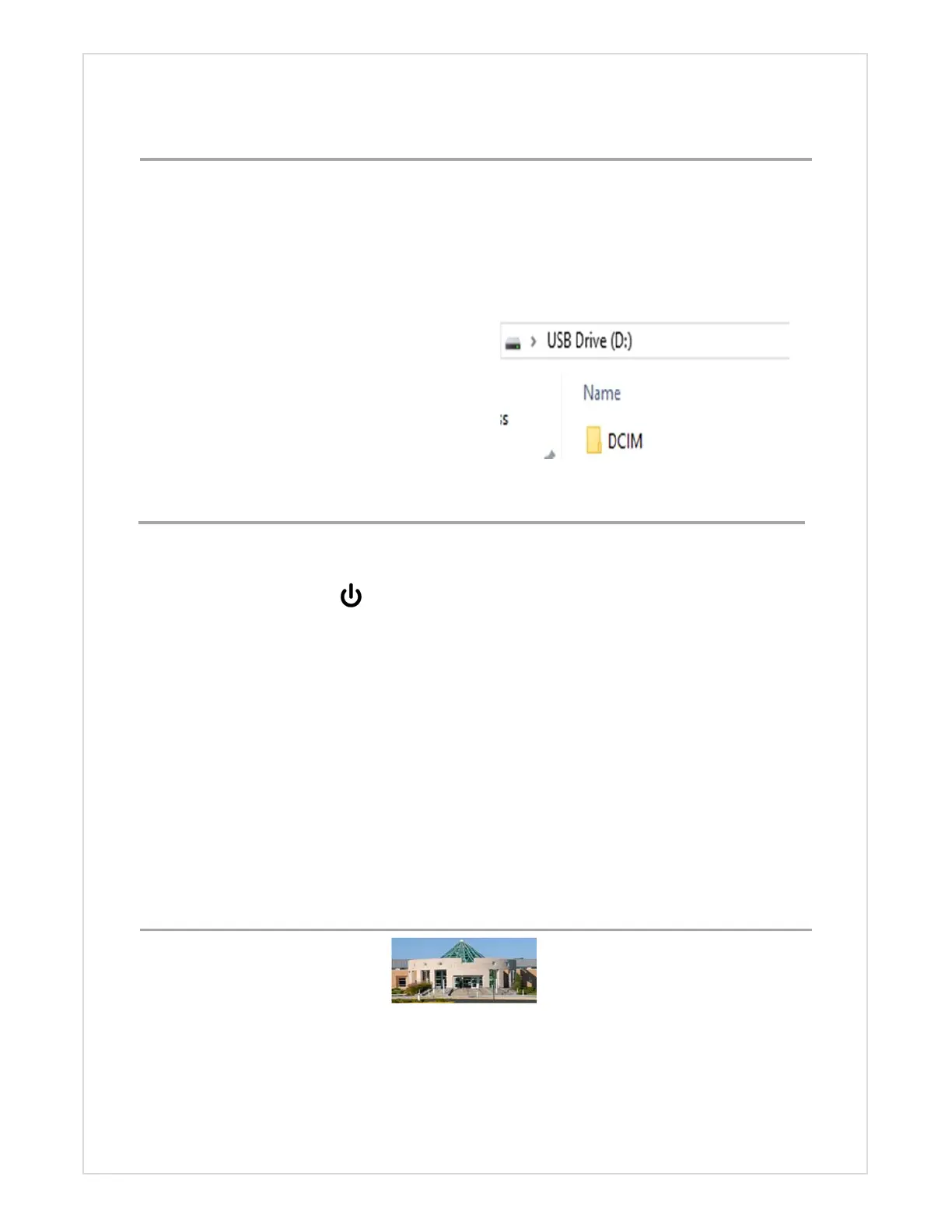
4. The converter will be treated just
like a USB flash drive.
5. Open the DCIM folder
6. Open the 101DSCIM folder
After transferring your video(s) , while USB is still plugged in
1. Press and hold MENU until a blue screen appears
2. Press the Mode button
3. Press the Menu button
4. Scroll down to select Format
5. Press the OK button
6. Scroll down to select Execute
7. Press the OK button
More detailed instructions at :
http://www.clearclicksoftware.com/Manuals/Video2Digital.pdf
ERASING TF CARD
TRANSFER RECORDINGS TO YOUR COMPUTER



 To Previous Page