Quick-Start Guide
1
THE CONNECT DANTE .....................................................................1
Software and firmware VerSionS required ...........................................1
QUICK-START OVERVIEW ................................................................2
quick-Start Summary ...........................................................................2
UPDATE THE CONVERGE PRO FIRMWARE ....................................4
SET THE DEVICE ID ..........................................................................5
CONNECTING THE CONNECT DANTE UNIT ..................................6
UPDATING CONNECT AND BEAMFORMING
MICROPHONE ARRAY FIRMWARE ..................................................7
ADDING CONNECT NETWORK BRIDGES TO SITES ......................8
adding the Bridge ................................................................................8
editiing the connect network Bridge in Site ...................................8
dante conVerge conSole SettingS .................................................9
dante controller SettingS ................................................................12
configuring connect dante with dante controller ..................12
digital microphone input proceSSing .................................................13
UPGRADING FROM OLDER VERSIONS
OF CONVERGE FIRMWARE ...........................................................14
upgrading from conVerge pro 3.X firmware .................................14
upgrading from conVerge pro 2.X firmware .................................14
upgrading from conVerge pro 1.X firmware .................................15
PART NUMBERS ..............................................................................16
CLEARONE LOCATIONS ................................................................16
Table of Contents
THE CONNECT DANTE
The CONNECT Dante network bridge adds Dante network audio
capabilities to CONVERGE PRO and CONVERGE SR products. Up to
eight CONNECT units can be attached to a single CONVERGE Pro/SR
stack.
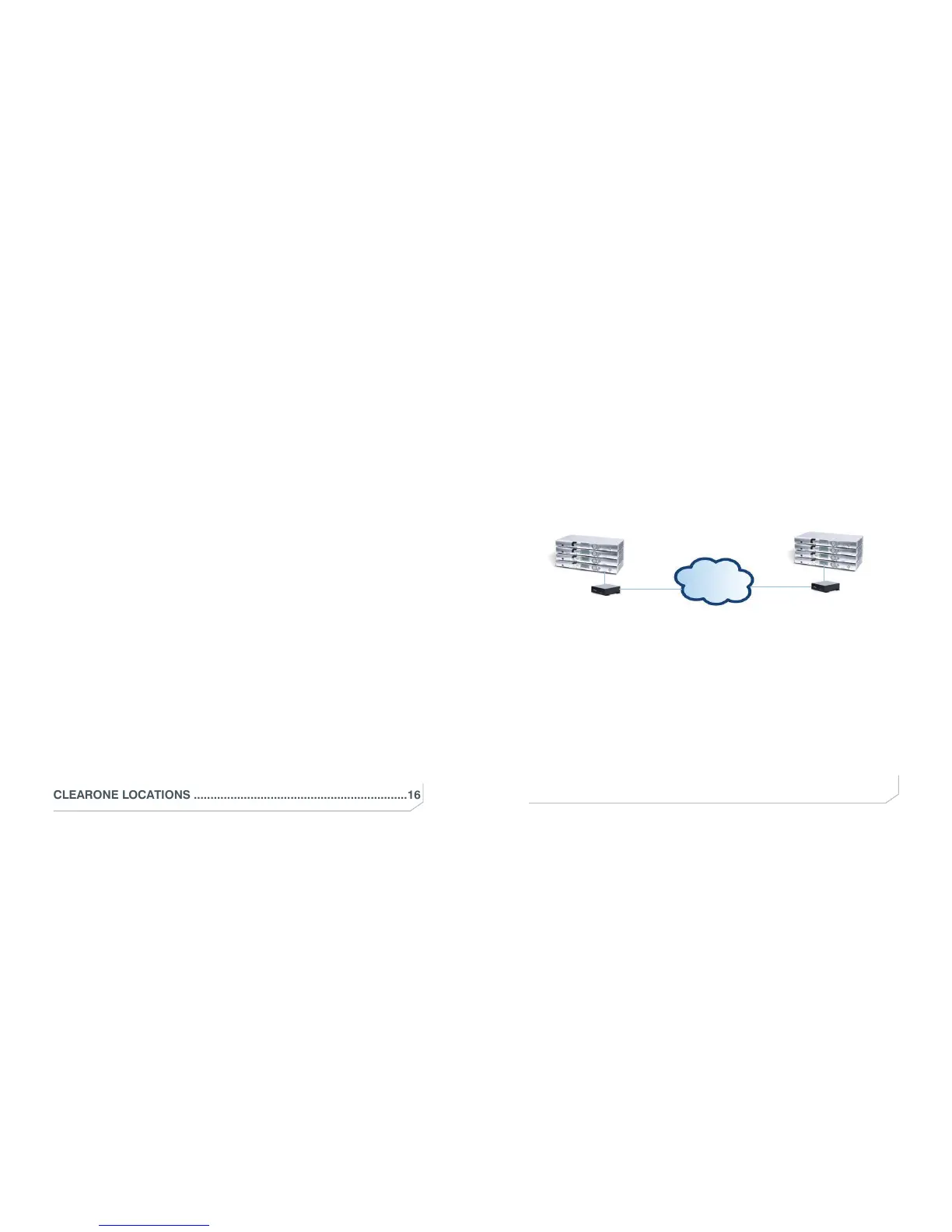
The following diagram shows how two CONVERGE Pro/SR stacks within
the same site can connect over a LAN network.
DANTE
DANTE
Link IN
Link IN
Link OUT
DANTE
Network
Connection
DANTE
Network
Connection
CONVERGE Pro/SR
IMPORTANT: CONVERGE Pro/SR systems and all connected units
must operate at the proper software and firmware versions.
Software and Firmware Versions Required
• 4.5.x - CONVERGE Console Installer
• 4.4.x - CONVERGE Console Application
• 4.3.x - Firmware for all units including Converge Pro, SR1212,
Beamformer, CONNECT Dante and CobraNet.
The latest versions of the software and firmware can be found on the
ClearOne website at:
http://www.clearone.com/resources#professional_audio



 To Next Page