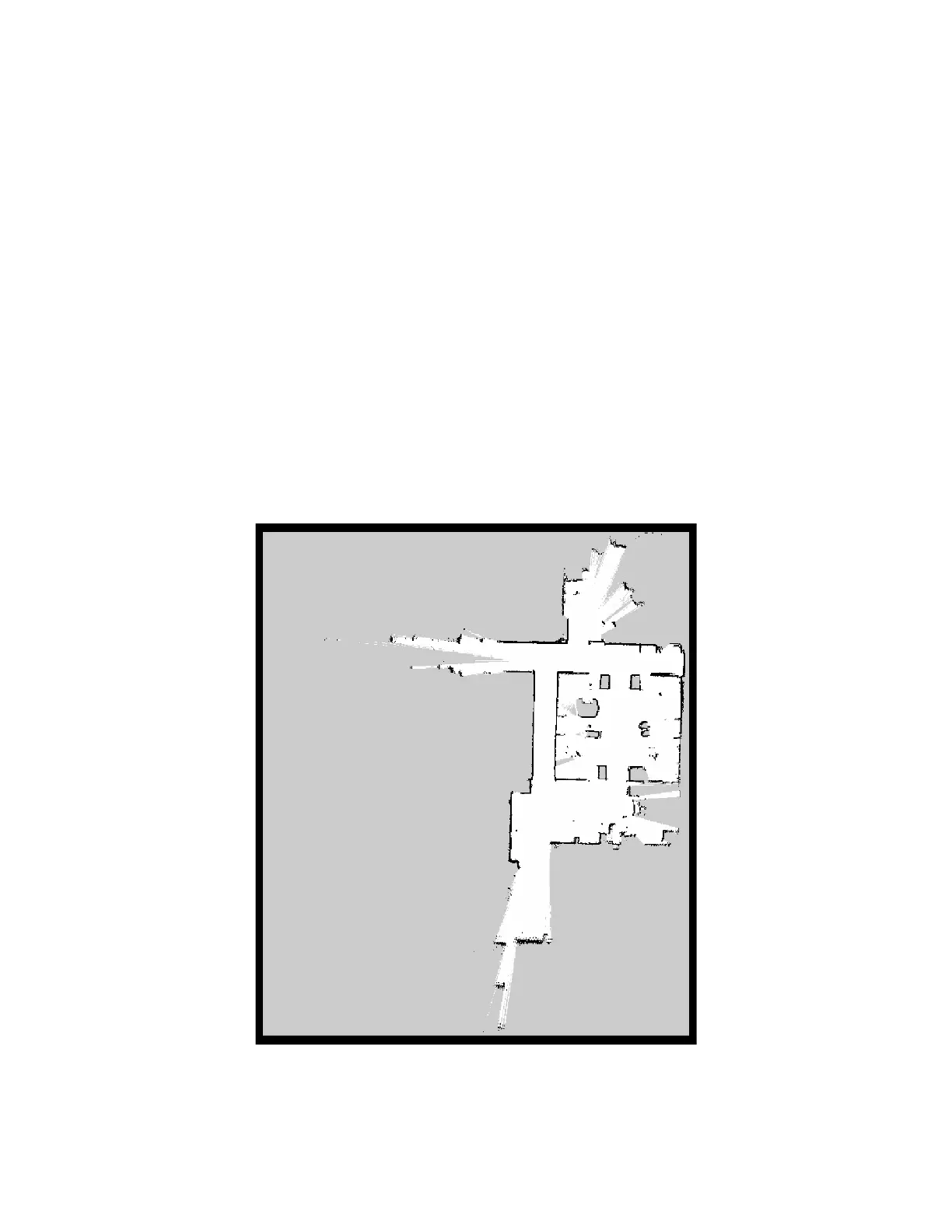
Save the map
Once you are happy with your map, you can save it with the following command:
ros2 service call /slam_toolbox/save_map slam_toolbox/srv/SaveMap "name:
data: 'map_name'"
This will save the map to your current directory.
View the map
Once the map is saved it will generate a map_name.pgm file which can be viewed in an image
editor. A map_name.yaml file is also created. You can edit this file to adjust the map
parameters.
Generated map image



 To Next Page