Update over WiFi
The Create® 3 can be updated through its webserver. There are two options to connect
to the webserver:
Find the IP address of the Create® 3 on your WiFi network.
This can be done by going to your routers portal and viewing connected devices. You
should see the Create® 3 in your Wireless Clients if it is connected.
Enter the IP address into a browser. You will be taken to the Create® 3 webserver.
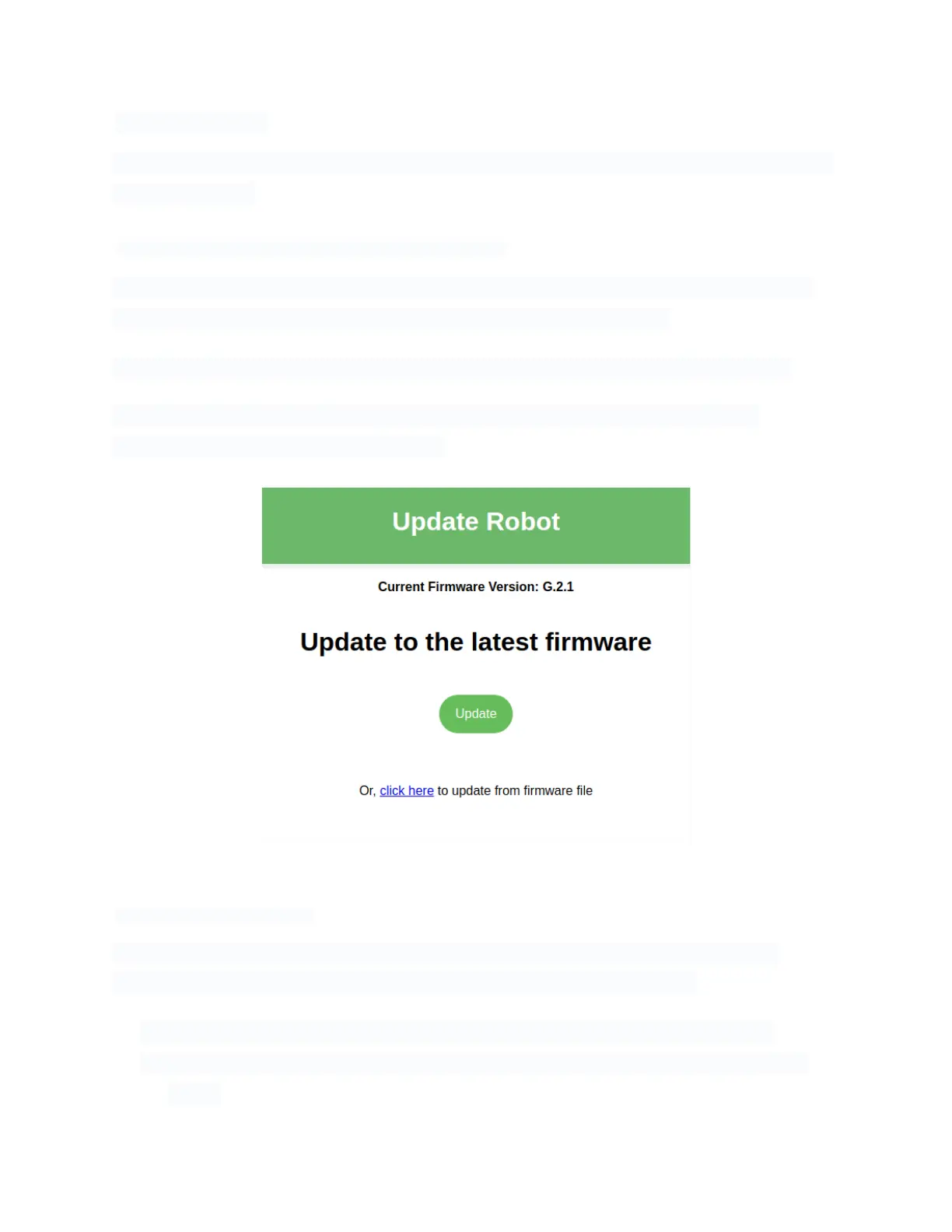
Go to the Update tab and click the ‘Update' button. The robot will automatically
download and install the latest firmware.
Updating the Create® 3 over WiFi
Place the robot into AP mode.
If you cannot find the IP address of the Create® 3 on your WiFi network, you can
alternatively put it into AP mode and connect directly to it with your PC:
● Download the latest firmware from http://edu.irobot.com/create3-latest-fw.
● Place the robot into AP mode and access the webserver. See Create® 3 WiFi
Setup.



 To Next Page