16 – ENGLISH
Charging the Handset
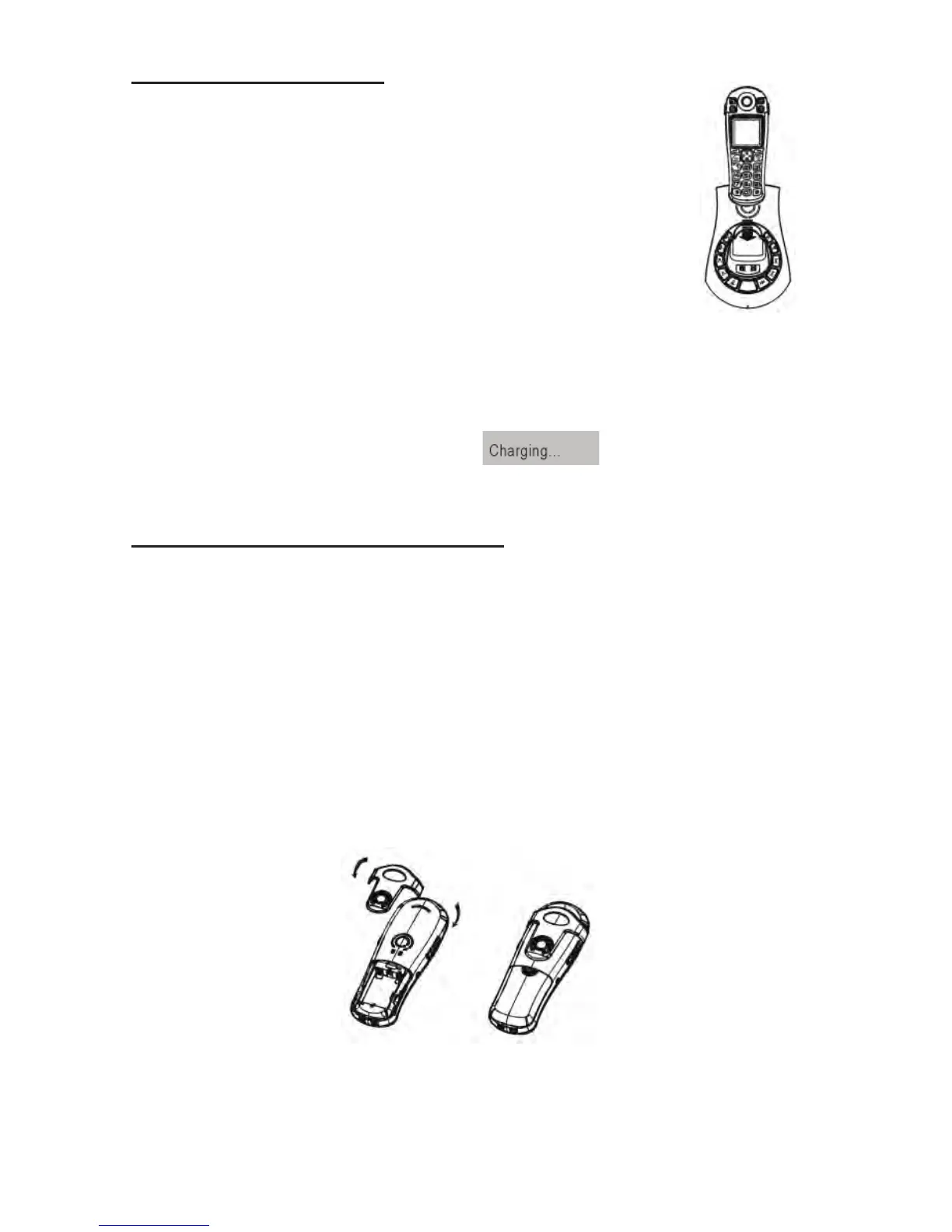
1. Place the handset into the base.
The LCD screen will light up and you
will hear a beep to indicate charging
has begun.
2. Important: Before initial operation,
you should fully charge the handset
for at least 15 hours.
3. After the batteries are fully charged,
check for dial tone by pressing the
dial key on the handset.
When battery power is very low and you place the handset on
the base, the display will show
. Check the battery
icon on the LCD to see the battery charge level.
Using the Handset Carrying Clip
You may choose to use the optional belt clip provided with
your handset.
1. To attach, slide the belt clip down onto the grooves.
Press the tabs on the belt clip into the slots to attach.
2. To remove, insert a screwdriver along the edge of one
of its “arms” and release the clip and then lift it off.



 To Next Page