19 – ENGLISH
█ Registering the Handset
The supplied handset is already registered to the base unit,
and you can register up to 4 additional handsets to the base.
1. Before registering an additional handset to the base,
you should press and hold the page key , which is
located on the main base, for about 5 seconds and
then release it.
2. Press the Menu soft key on the handset you are
registering to display the main menu list.
3. Press up
or down to scroll to Registration and
then press the Select soft key.
4. Press up
or down to scroll through the base list
and select one of the bases and then press the Select
soft key. The handset will search for the requested
base.
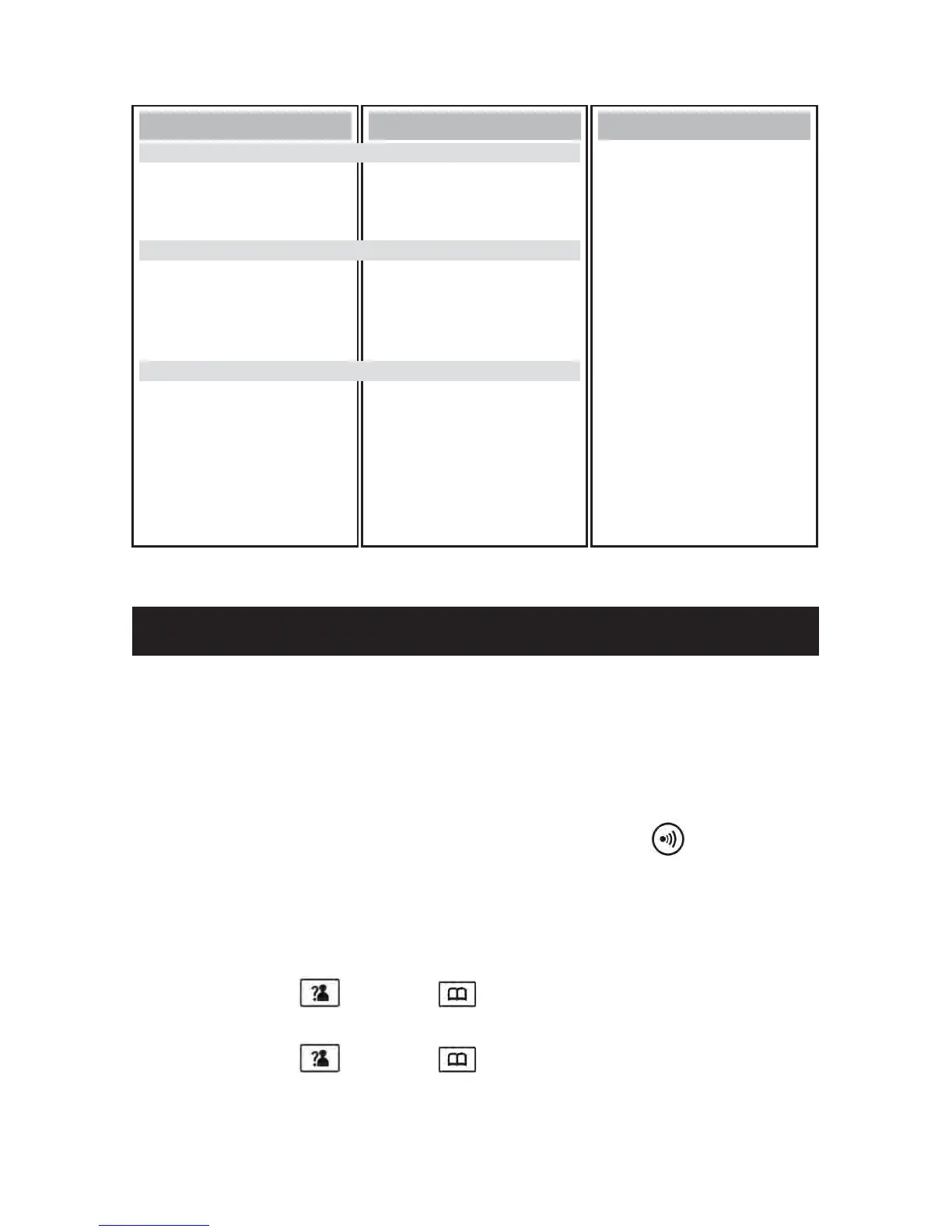
Main Menu
Announce (p.49)
Message (p.52)
TAM Setting (p.47)
Submenu I
New MSG (p.53)
Saved MSG (p.53)
Delete All (p.54)
Memo Record (p.55)
TAM On/Off (p.46)
TAM Alert (p.48)
ANNC Select (p.48)
Set Ring (p.47)
TAM Language (p.47)
TAM Default (p.57)
Submenu II
TAM (Telephone Answering Machine) Menu Map
BASIC PHONE FUNCTIONS



 To Next Page