56 – ENGLISH
Remote Access
You can access many features of your answering machine
remotely from any touch tone phone. A four-digit security
Remote code is required to access the system and the factory
default code is 0000. To enter remote access:
1. Dial your phone number from any touch tone phone.
2. When the Announce1/Announce2 message starts to play,
you may enter the remote access mode by inputting the
Remote code. If you enter the Remote code incorrectly,
the machine will ask you to enter code again. You are
given 2 more attempts to correctly enter the code before
the line is disconnected.
3. After you enter the Remote code, the system will play the
menu of commands. You can then follow the commands
to operate.
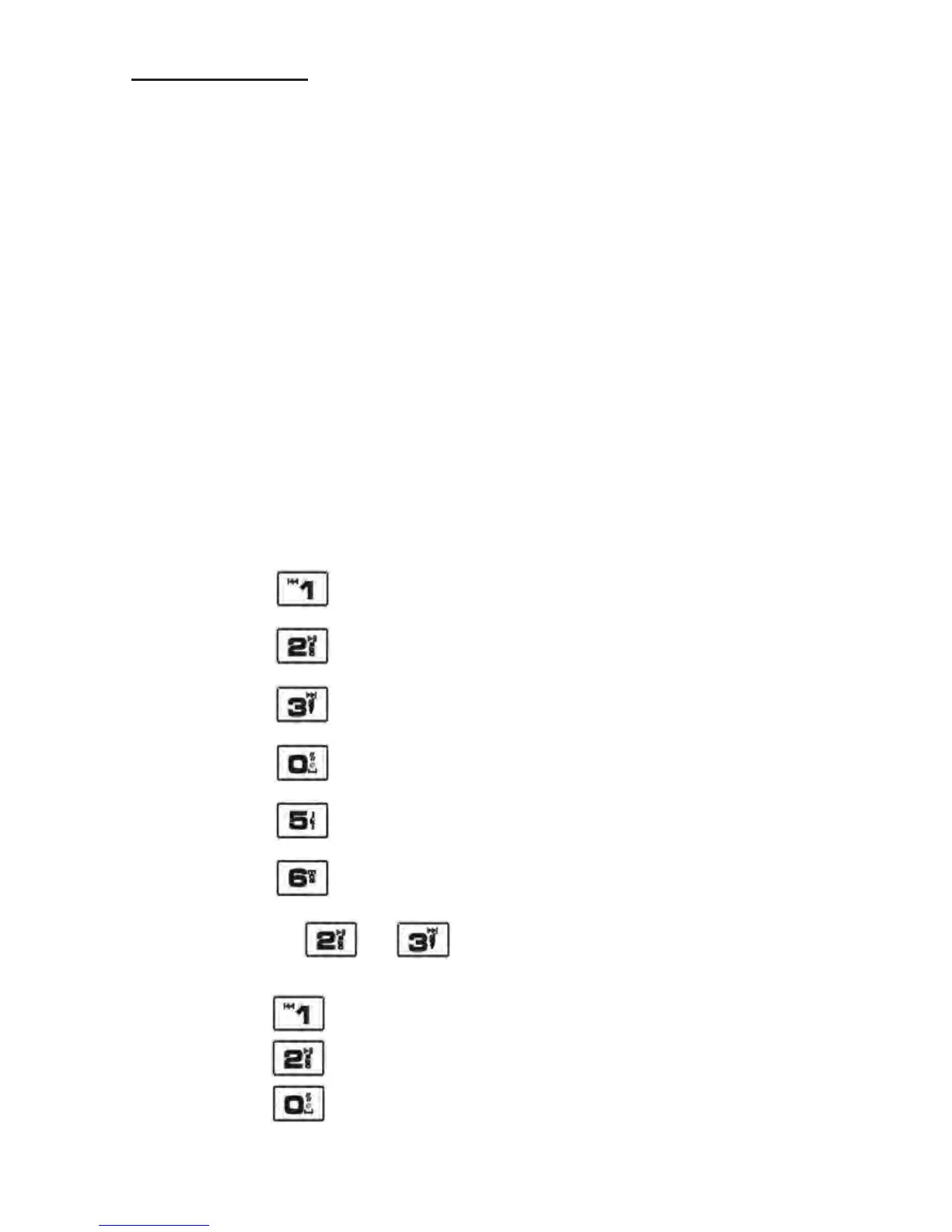
Play the main menu
Play new messages
Play saved messages
Delete all messages
Switch the answering machine on/off
Record Announce1/Announce2
After you press
or to play back messages, you can:
Press
to replay the current message
Press
to stop the current message
Press
to delete the current message



 To Next Page